 Snippet
Press Kit
Everything you need to write or talk about Snippet: facts, descriptions, the app icon, the Mac App Store screenshots and captures of the app. You're welcome to use all of it in your coverage.
Fact sheet
- Name
- Snippet: Visual copy & paste
- Developer
- Marco Lüthi, Zürich, Switzerland
- Category
- Productivity, Utilities (clipboard manager)
- Platform
- Mac, macOS 14.6 or later, with or without a notch
- Status
- Available on the Mac App Store
- Price
- Paid, CHF 4.00 in Switzerland (prices vary by country)
- Languages
- English, German
- Released
- June 2025
- Website
- apps.marcoluthi.com/snippet
- Contact
- hi@luthi-mar.co
About Snippet
In one sentence
Snippet is a clipboard manager for Mac that lives in the notch: point at it to see your latest copies, text, images, colours, links and files, and click one to paste it again.
Longer
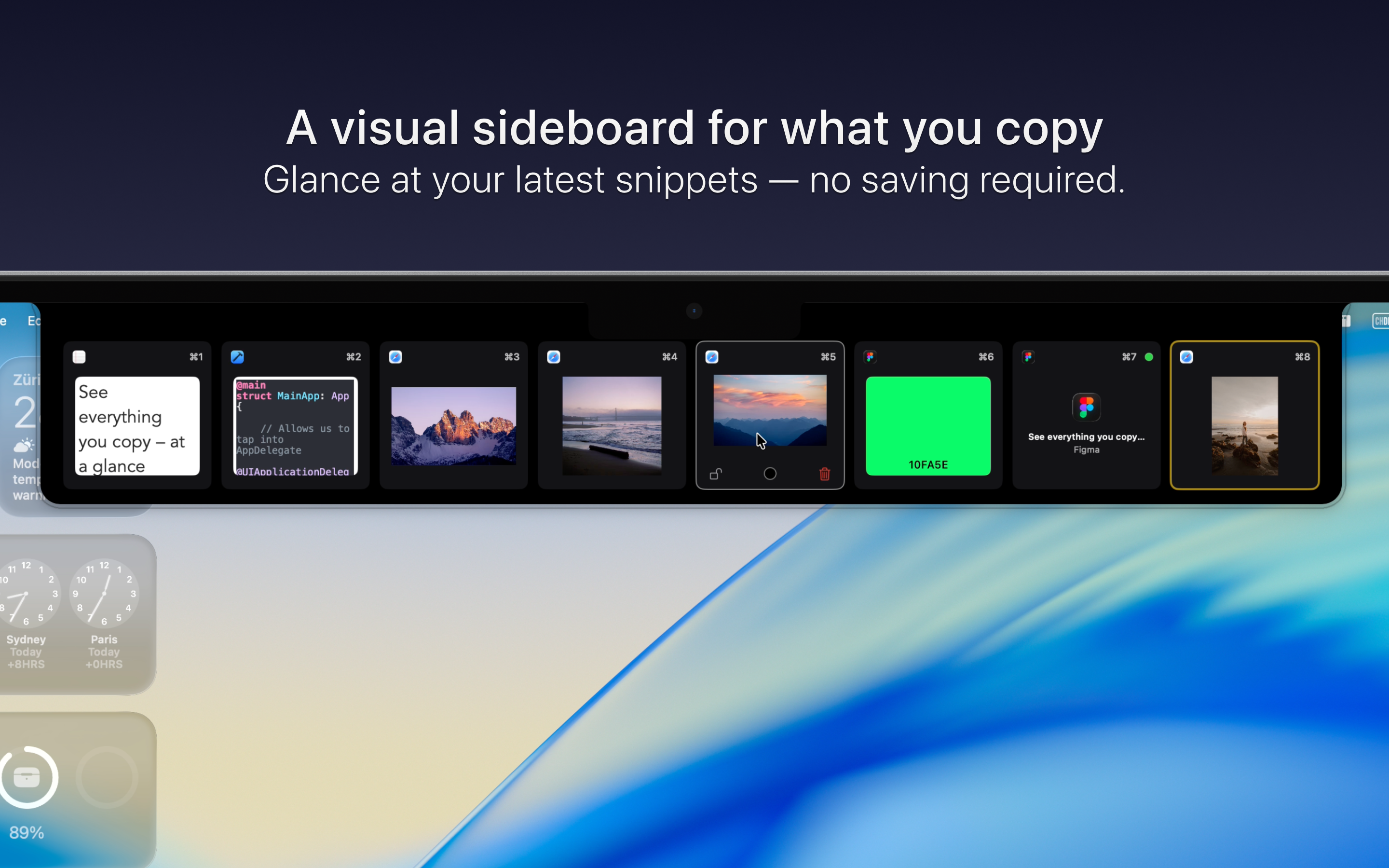
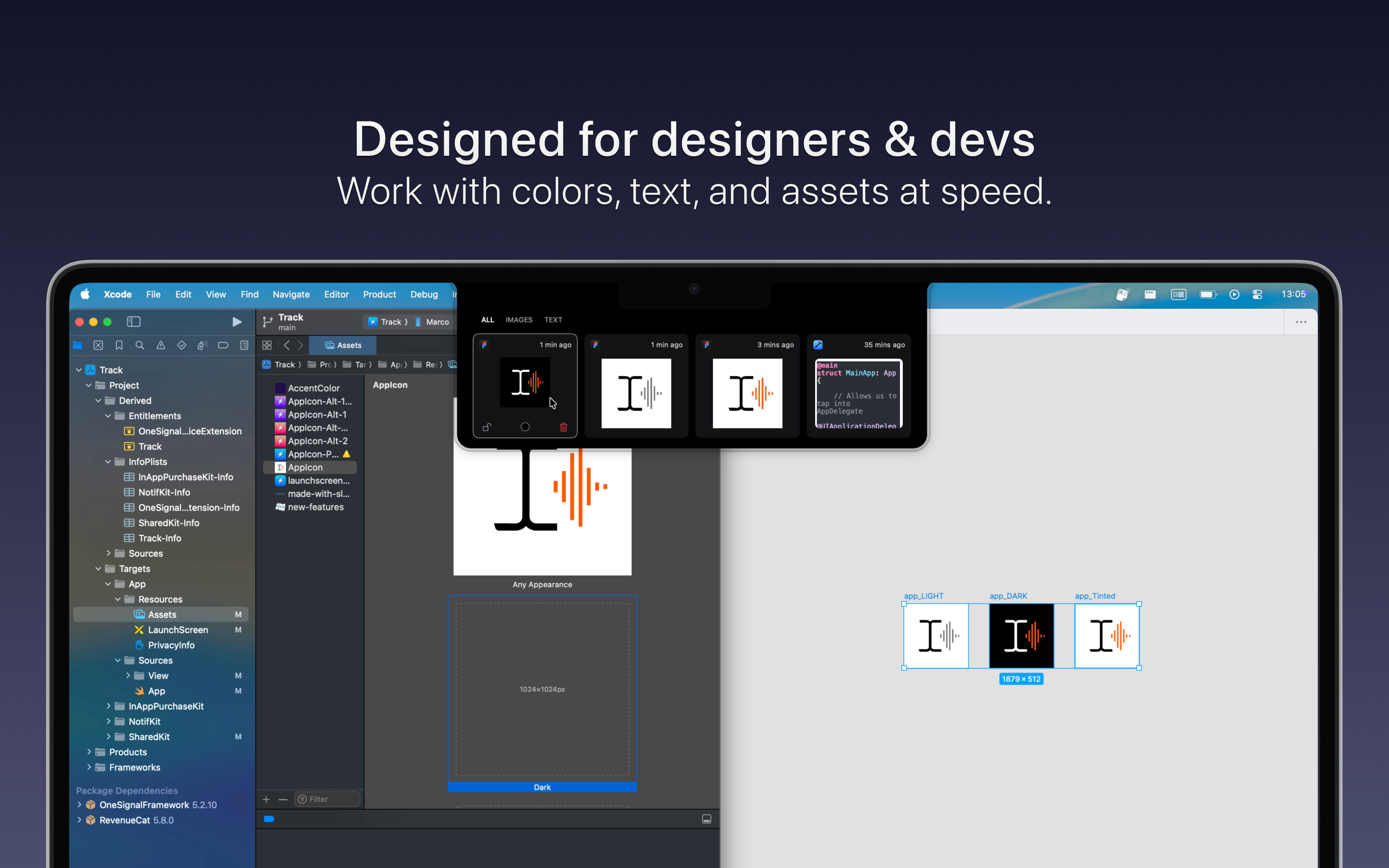
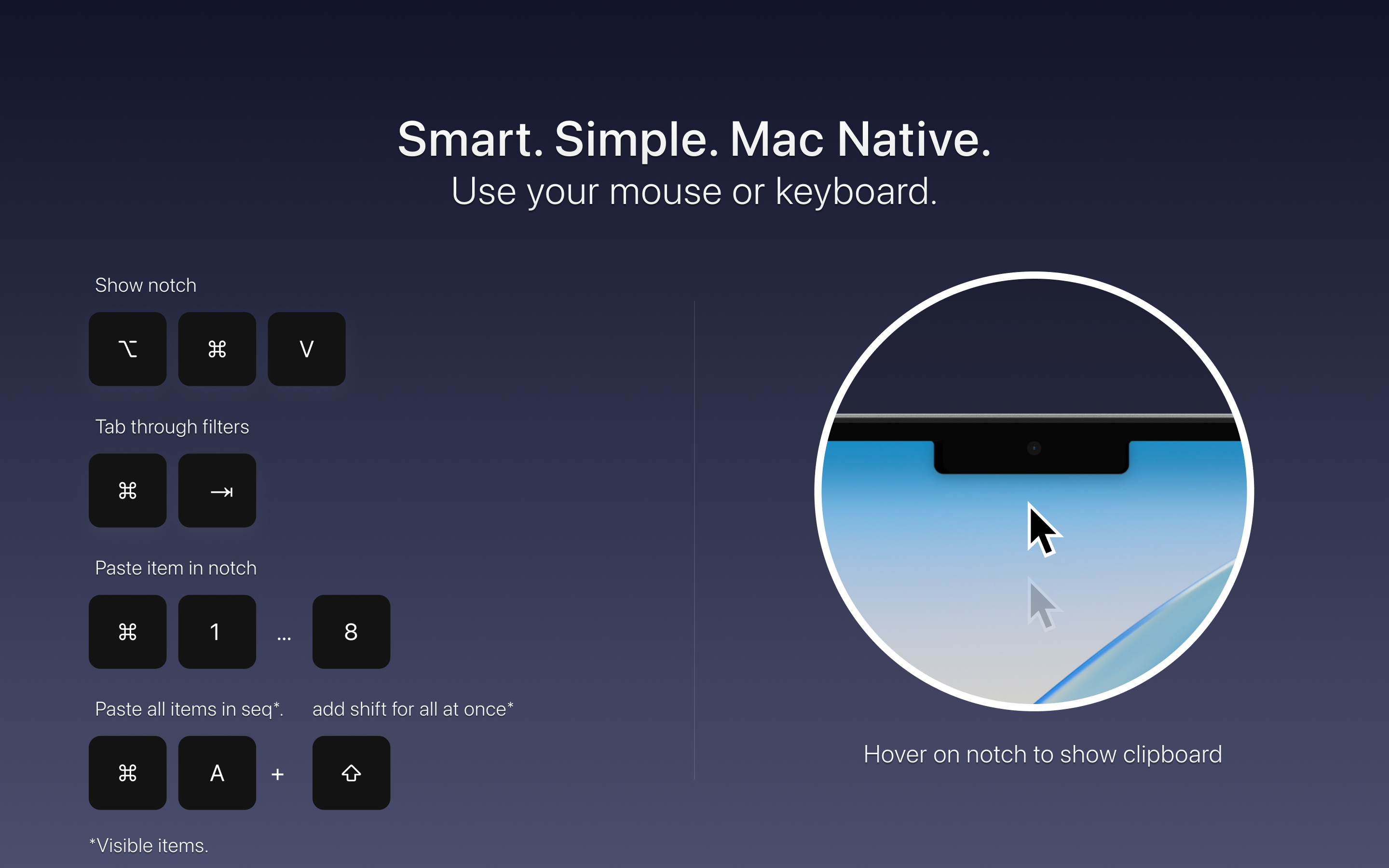
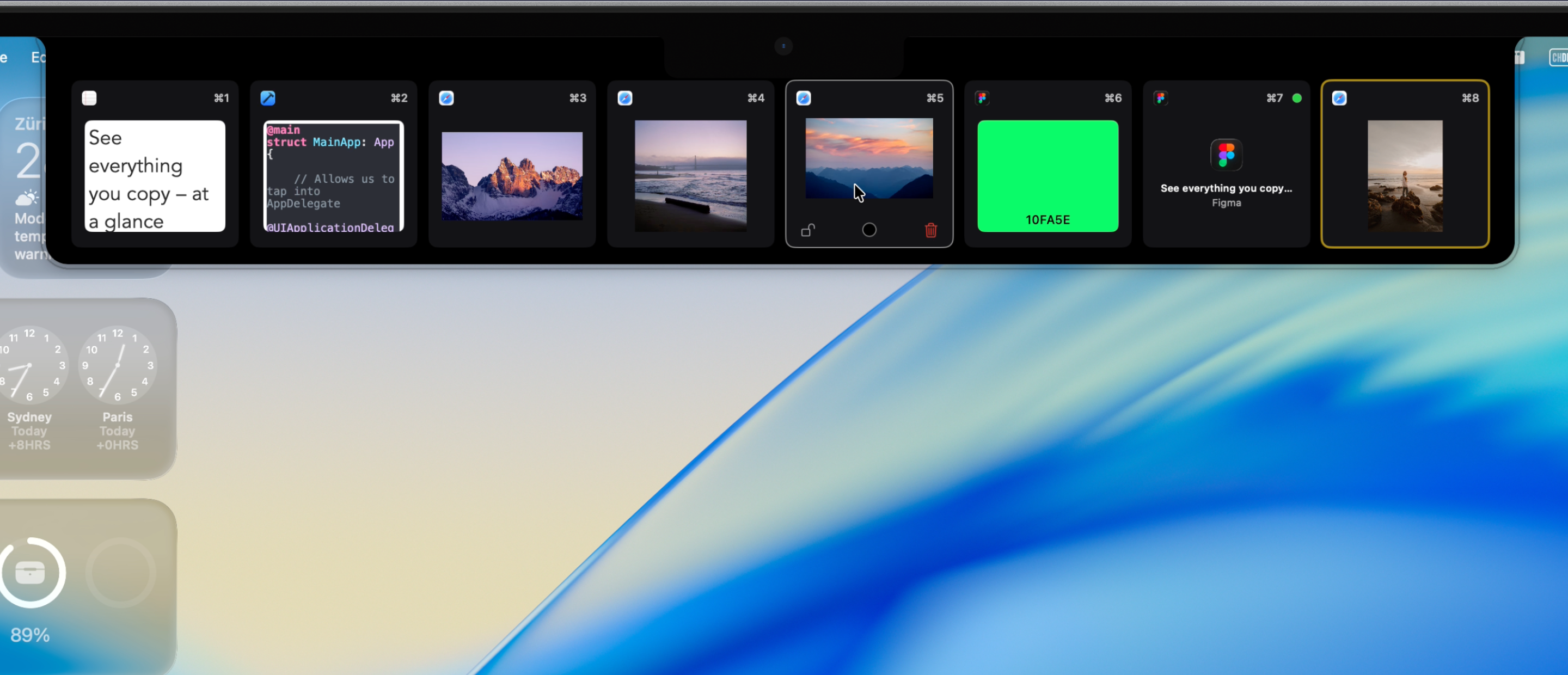
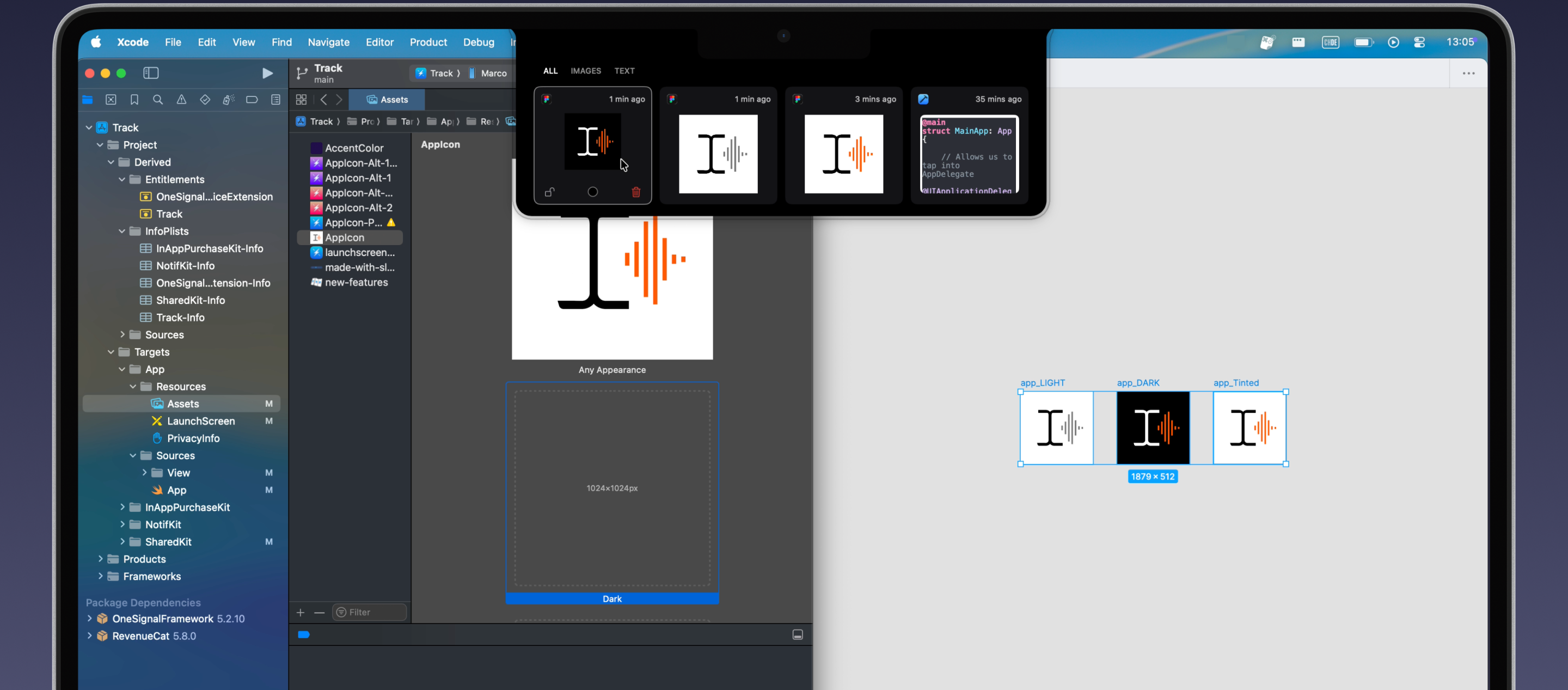
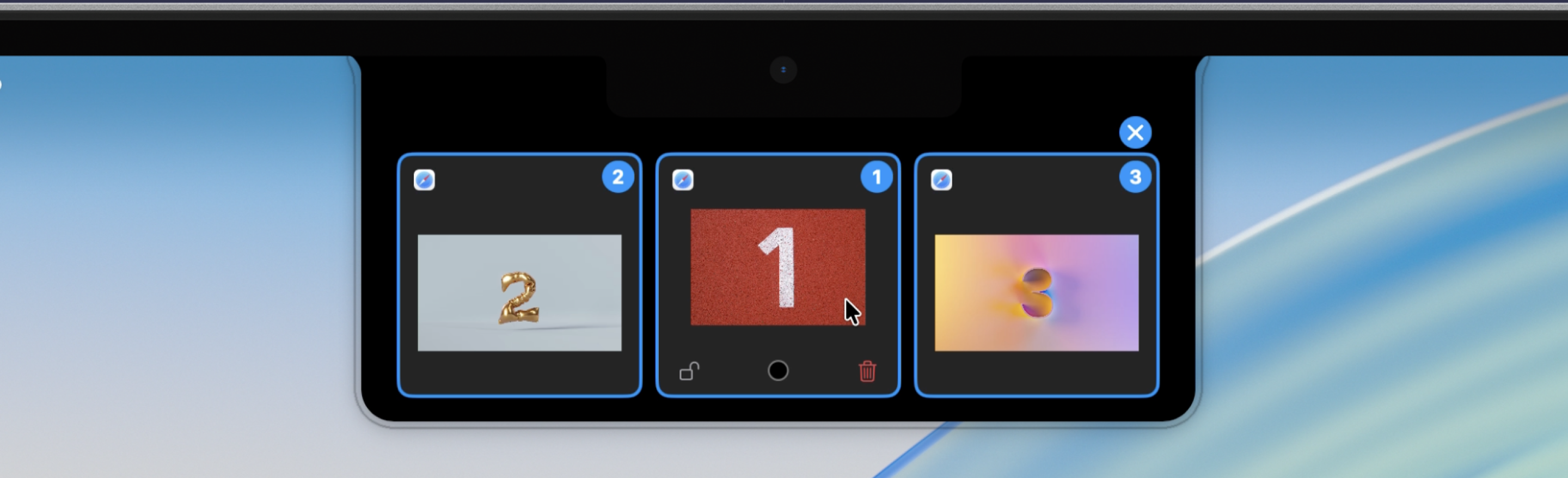
Snippet turns the Mac's notch into a sideboard for whatever was just copied. Pointing at the notch, or pressing ⌘⌥V, opens a row of cards with the latest copies, each shown as it is: text stays readable, images keep their shape, hex codes become colour swatches, links show their page and files keep their name. Clicking a card, or pressing ⌘1 to ⌘8, puts it back on the clipboard, ready to paste.
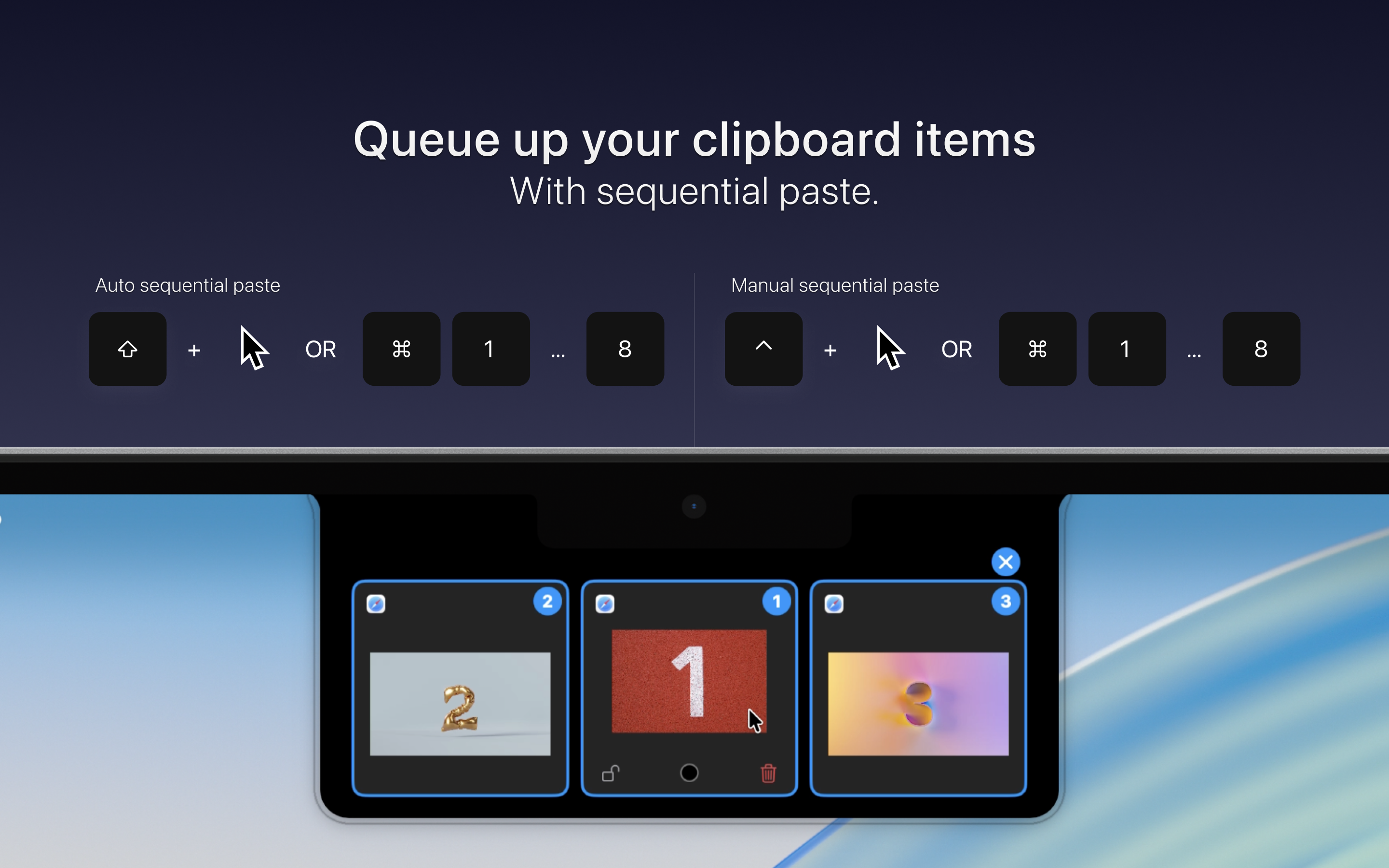
It is built for the moment rather than as an archive. New copies push older ones along, up to a limit from 10 to 500 items, while locked items stay. Colour labels and filters by type keep things easy to scan, and search finds text, including the text in copied screenshots and what a photo shows. Several items can be queued and pasted one after the other with each ⌘V.
Snippet runs on any Mac with macOS 14.6 or later: without a notch, it appears at the top of the screen. Copies are stored and analysed on the Mac, with no account and no analytics; only link previews go online.
Features
- Latest copies in the notch, opened by pointing at it or with ⌘⌥V
- Previews for text, rich text, code, images, colours, links and files
- Filters by type: images, text, colours, links and other
- Search, including text recognised in images and photo descriptions
- Lock items and give them colour labels
- Sequential paste: queue items and paste them one by one
- Pastes items as files in Finder
- Keyboard shortcuts for everything; works with or without a notch
App icon
Please use the icons as they are, without changing their colours or proportions.
Mac App Store screenshots
The listing's set, with captions.
Captures
The app itself, without captions.
About the developer
Snippet is made by Marco Lüthi, an independent developer in Zürich who builds apps for iPhone and Mac. For interviews or anything else, write to hi@luthi-mar.co. More apps are on the overview.