 ML Shortcuts
Press Kit
Everything you need to write or talk about ML Shortcuts: facts, descriptions, the app icon, screenshots and clips of the Mac app. You're welcome to use all of it in your coverage.
Fact sheet
- Name
- ML Shortcuts
- Developer
- Marco Lüthi, Zürich, Switzerland
- Category
- Utilities, machine learning
- Platform
- Mac, macOS 14 or later, Apple silicon and Intel
- Status
- Available as a direct download on Gumroad
- Price
- Free, pay what you want
- Language
- English
- Models
- Core ML: sound, image, hand pose, hand action and object detection
- Contact
- hi@luthi-mar.co
About ML Shortcuts
In one sentence
ML Shortcuts is a menu bar app for Mac that runs your own Core ML model and presses a keyboard shortcut for every hand sign, gesture or sound it detects.
Longer
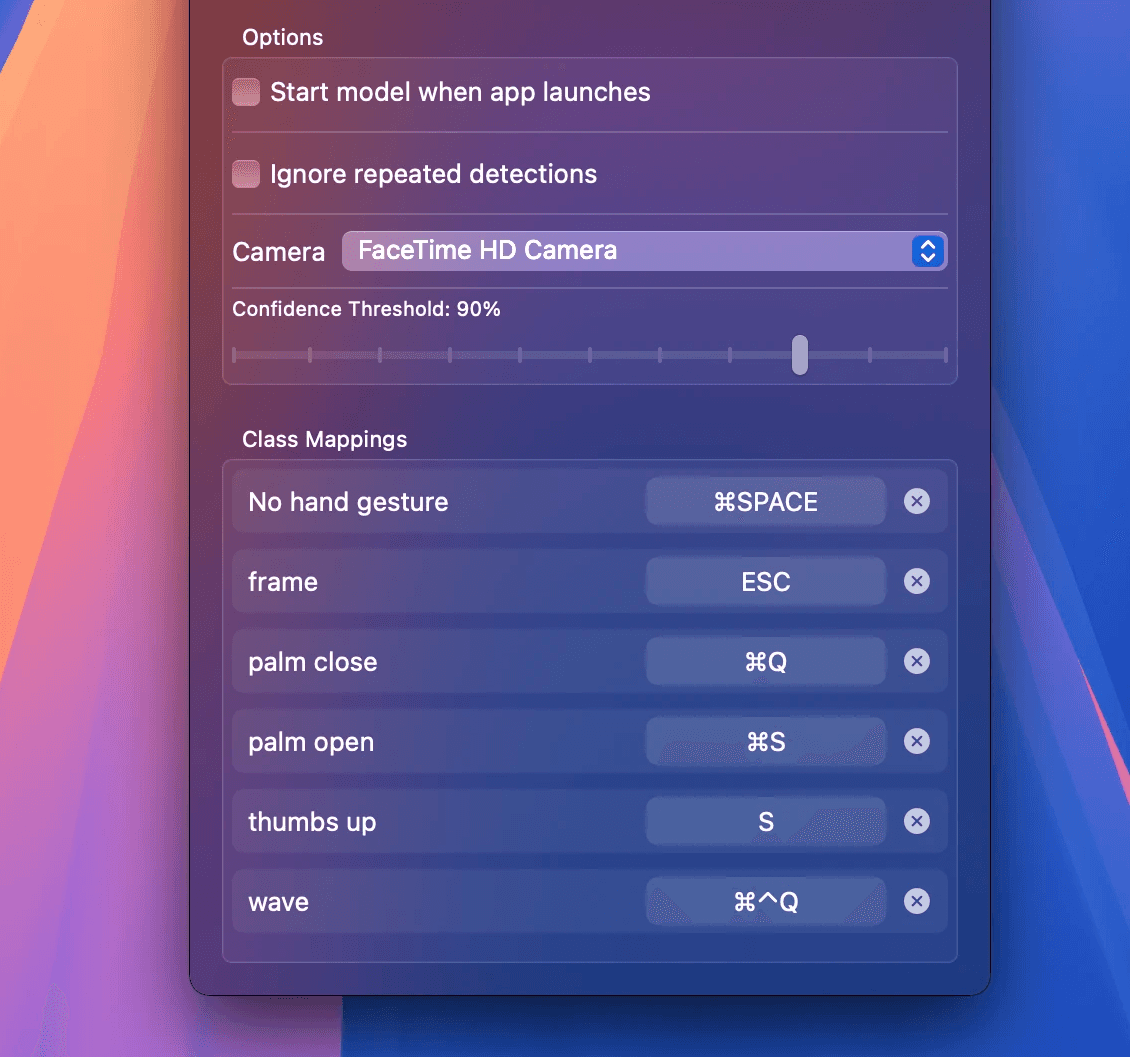
ML Shortcuts turns a machine-learning model into a way to control a Mac. Users import a Core ML model, for example one they trained in Create ML, and the app lists its classes. Next to each class they press the keyboard shortcut it should trigger. When the model recognises a class, a thumbs up or a clap for example, ML Shortcuts presses those keys.
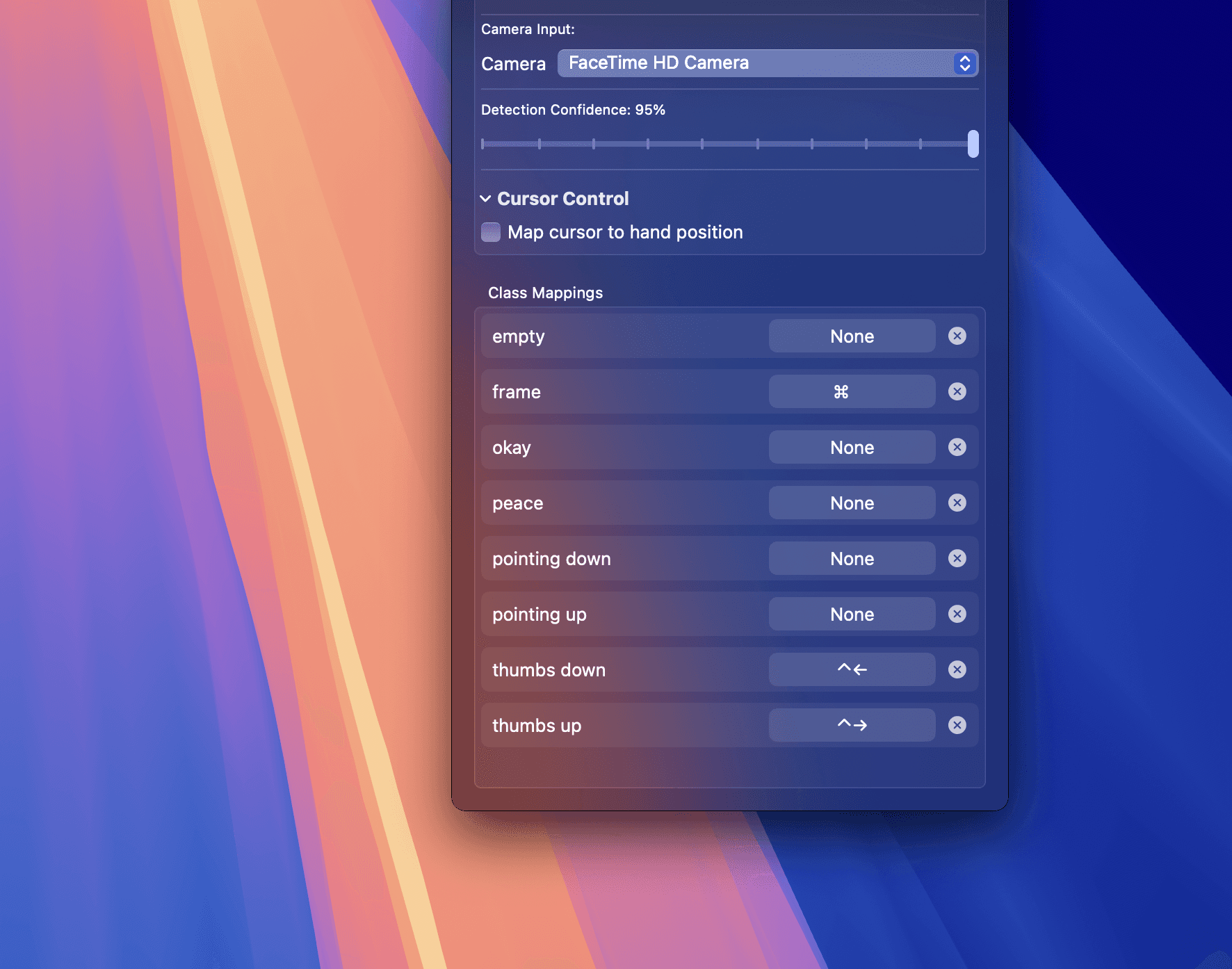
It works with five kinds of models: sound classifiers on the microphone, and image classifiers, hand pose classifiers, hand action classifiers and object detectors on the camera. Hand pose and object detection models can also move the pointer, and hand signs can click and drag. A confidence threshold and an option to ignore repeated detections keep it calm in a real room.
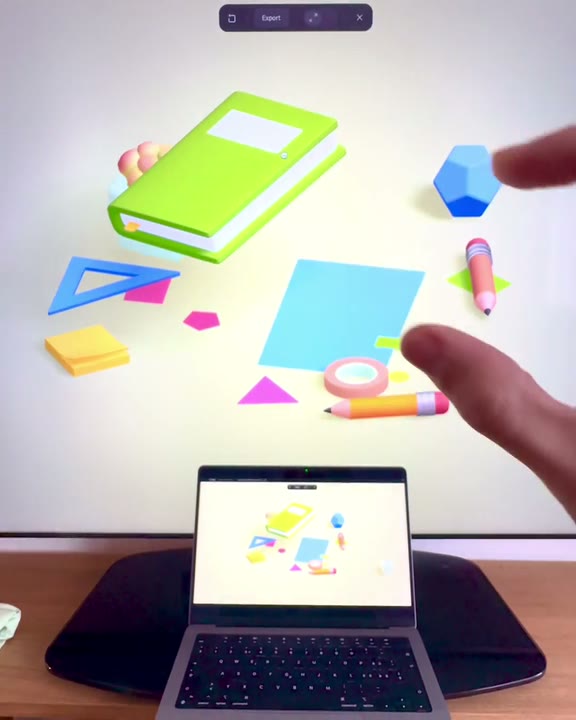
The app lives in the menu bar and runs the model entirely on the Mac, without an account or an internet connection. Designers use it to try gesture interfaces in Figma prototypes without code; everyone else can switch Spaces, save or lock the screen with a gesture. A sample hand action model comes with the download.
Features
- Maps each class of a Core ML model to any keyboard shortcut
- Sound, image, hand pose, hand action and object detection models
- Pointer control: hand pose and object models move the pointer, hand signs click and drag
- Confidence threshold and an option to ignore repeated detections
- A floating picture-in-picture camera view that follows across Spaces
- Any camera or microphone, including external ones
- Lives in the menu bar; can start the model when the app opens
- Runs on the Mac, offline, with a sample hand action model included
App icon
Please use the icons as they are, without changing their colours or proportions.
Screenshots
Captures of the Mac app without captions. ML Shortcuts is sold outside the App Store, so there is no App Store set.
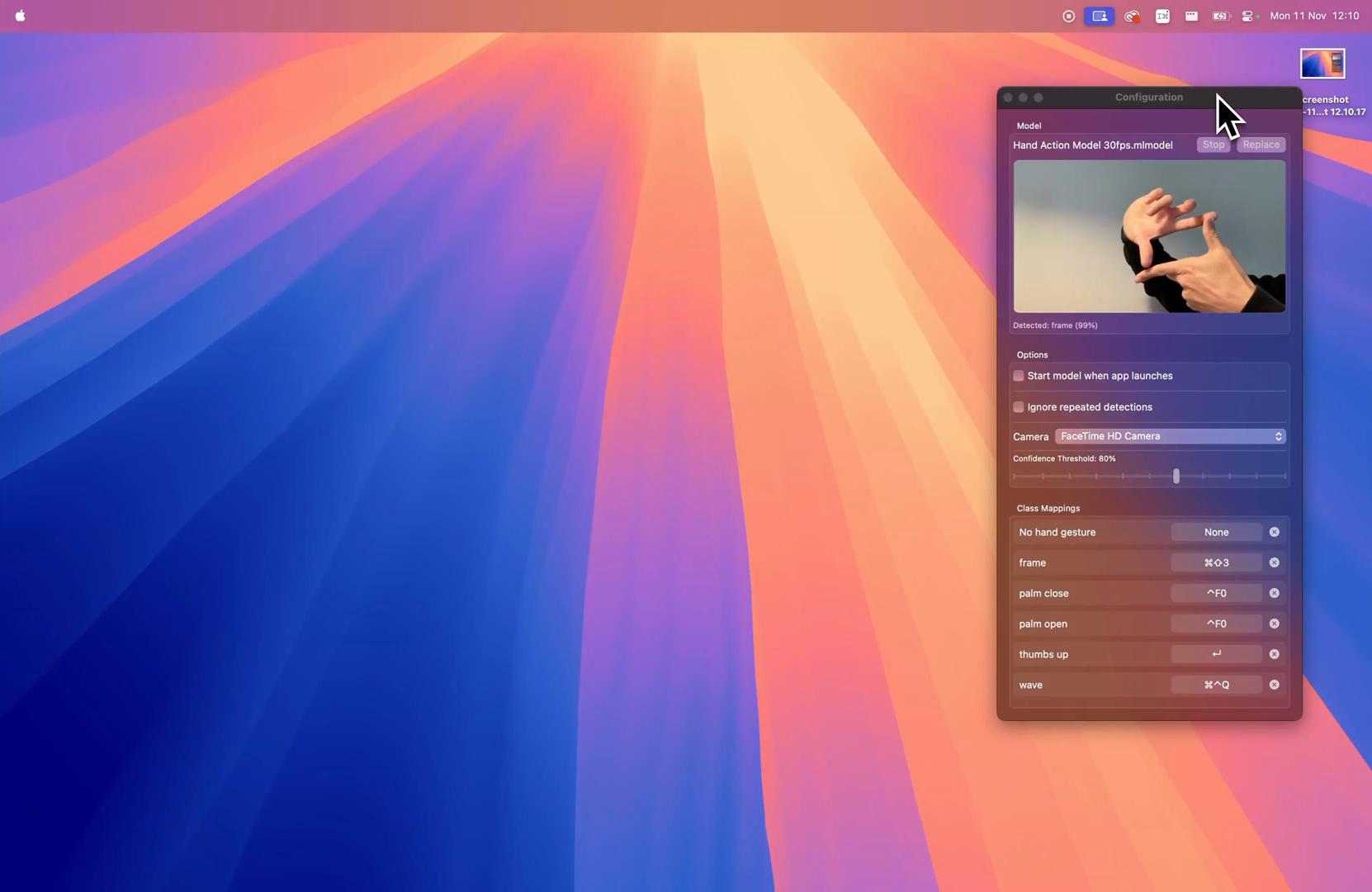
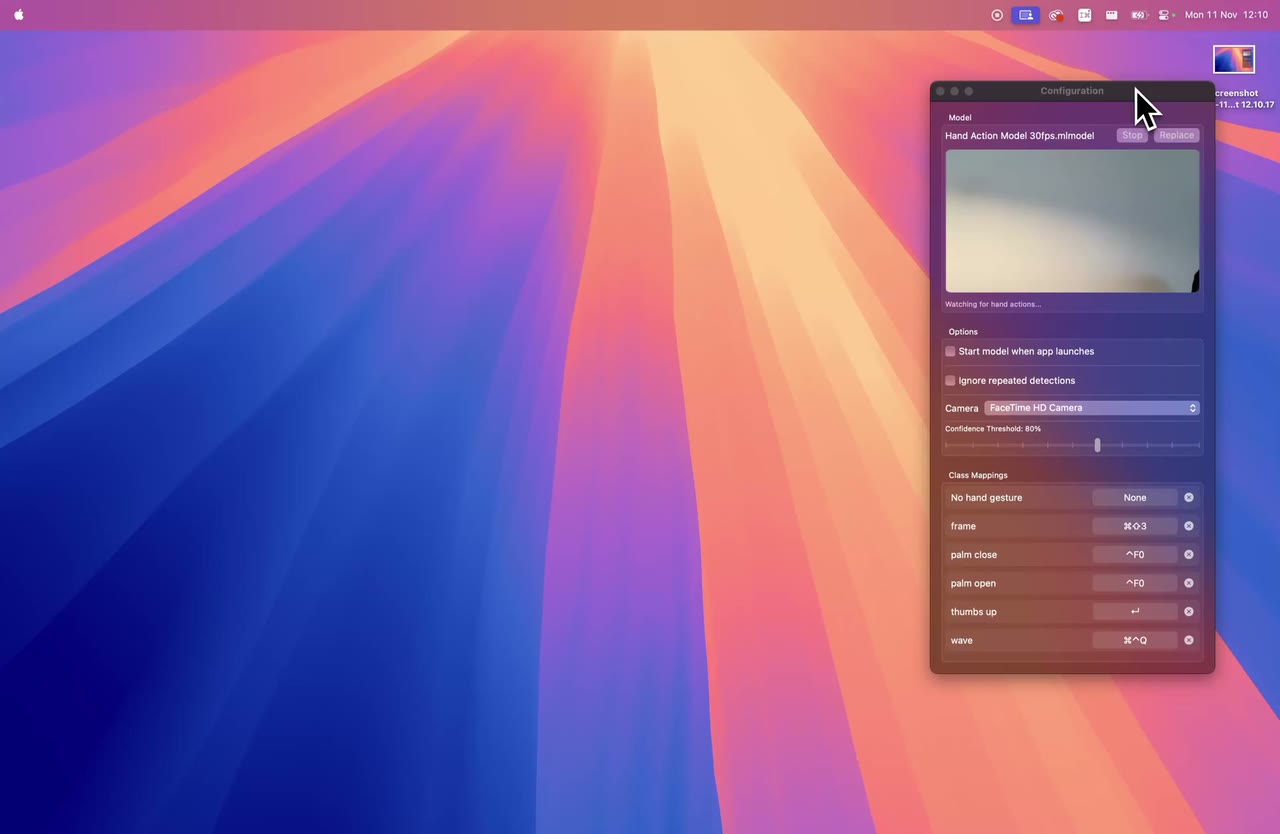
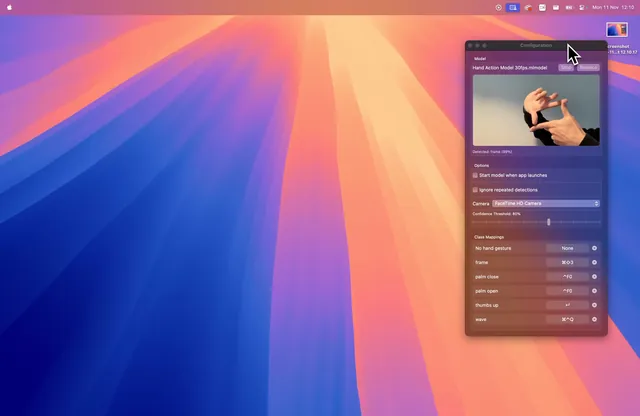 The configuration window detects a hand sign1662 × 1080 PNG · 591 KB
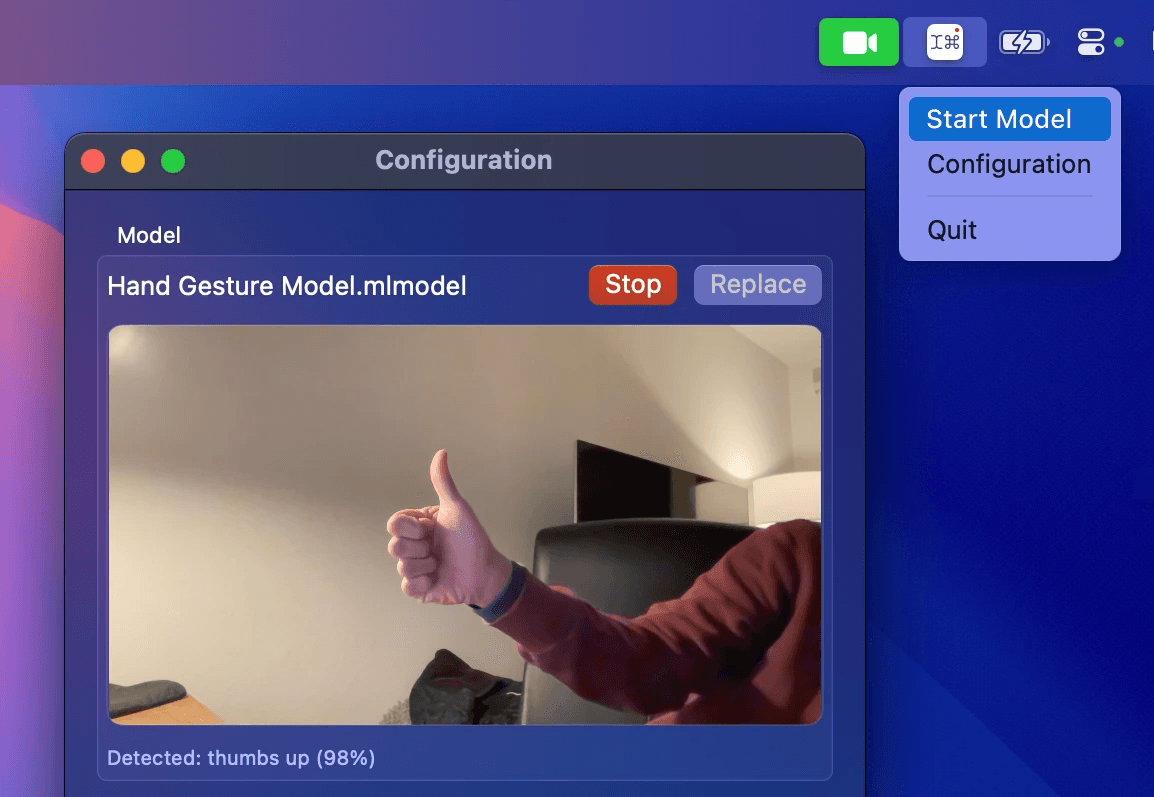
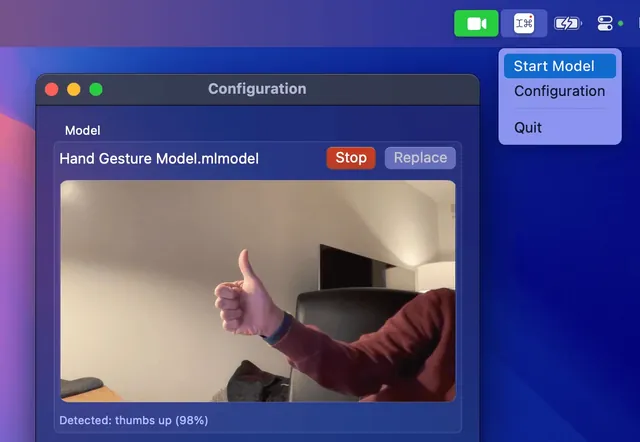 Start Model in the menu bar, a thumbs up at 98 %1154 × 797 PNG · 475 KB
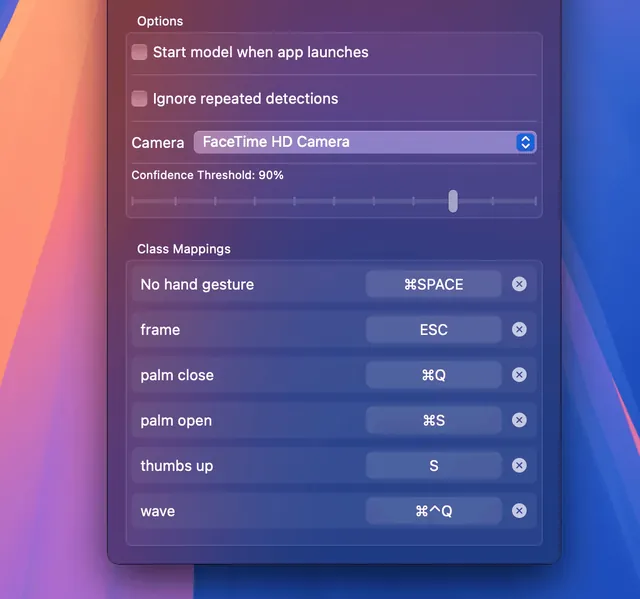 Class Mappings: one shortcut per class1130 × 1057 PNG · 559 KB
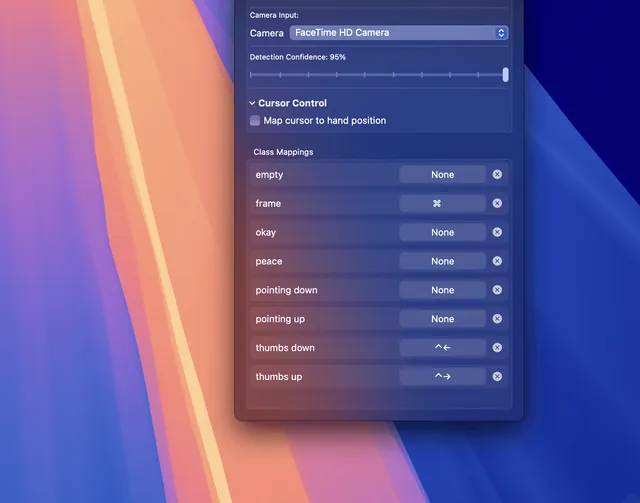 A hand pose model with Cursor Control1772 × 1394 PNG · 927 KB
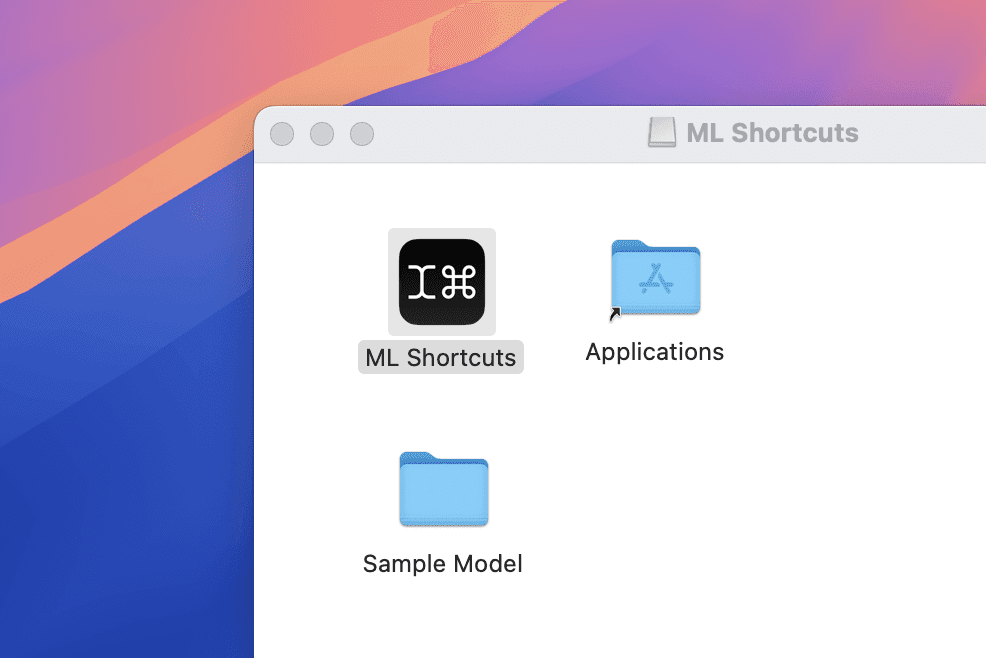
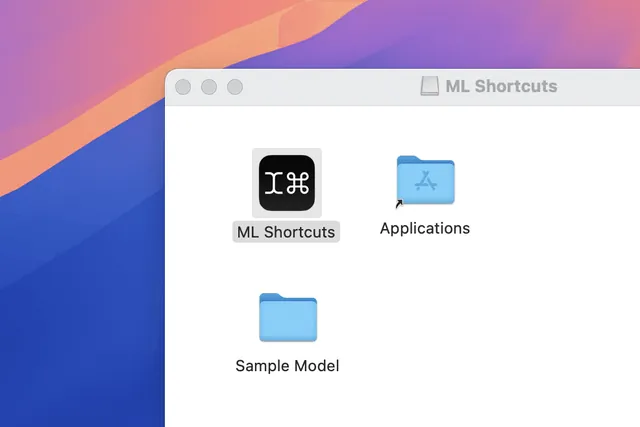 The disk image with the sample model986 × 658 PNG · 110 KB
Clips
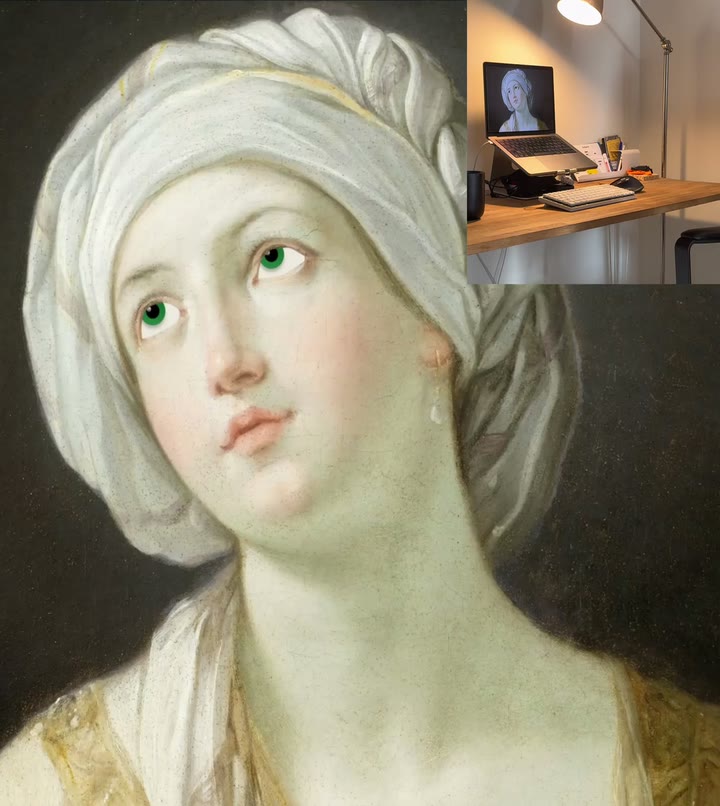
Short recordings of the app in use, as loops without sound.
About the developer
ML Shortcuts is made by Marco Lüthi, an independent developer in Zürich who builds apps for iPhone and Mac. For interviews or anything else, write to hi@luthi-mar.co. More apps are on the overview.