 ML Shortcuts
Mac menu bar app · Core ML
Gestures in. Shortcuts out.
Import your own Core ML model and give each class it detects, a hand sign, a gesture or a sound, a keyboard shortcut.
macOS 14+ · Apple silicon & Intel · Free, pay what you want
The app
Lives in your menu bar.
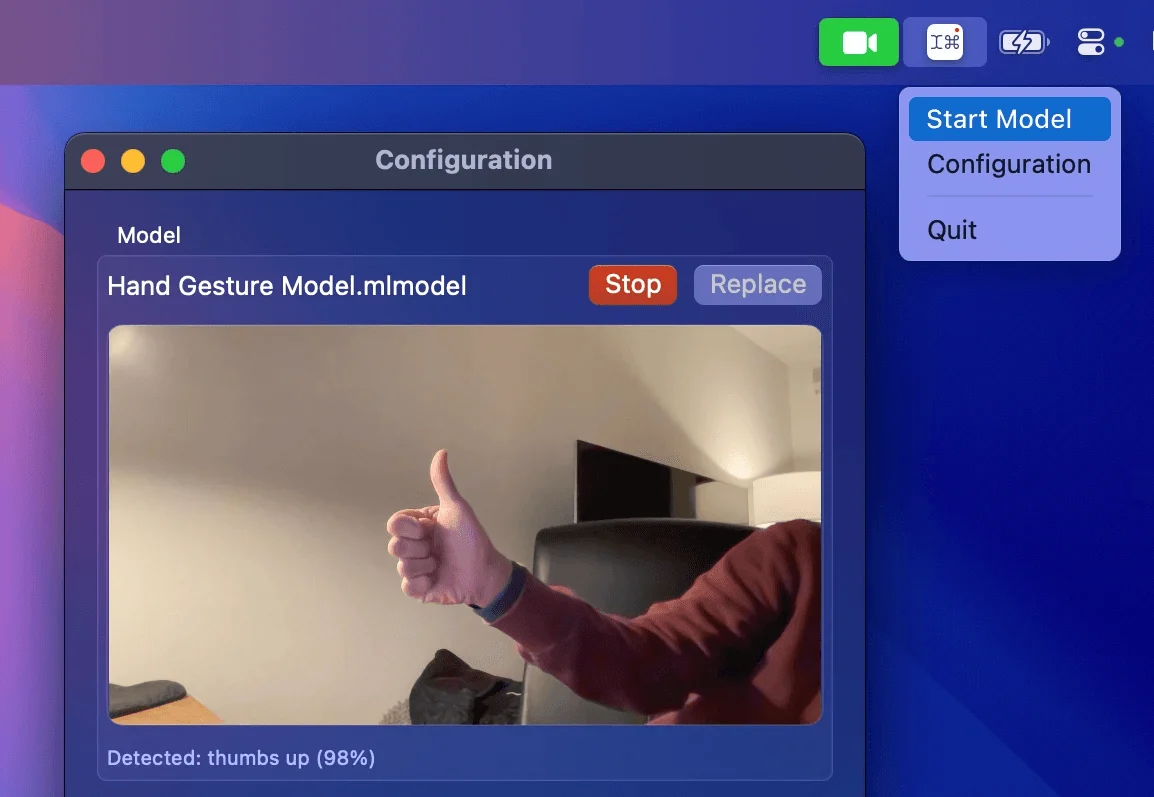
Start and stop the model up there. The window shows what the camera sees, what the model detects and every mapping.
How it works
Install. Map. Start.
 1
1Install
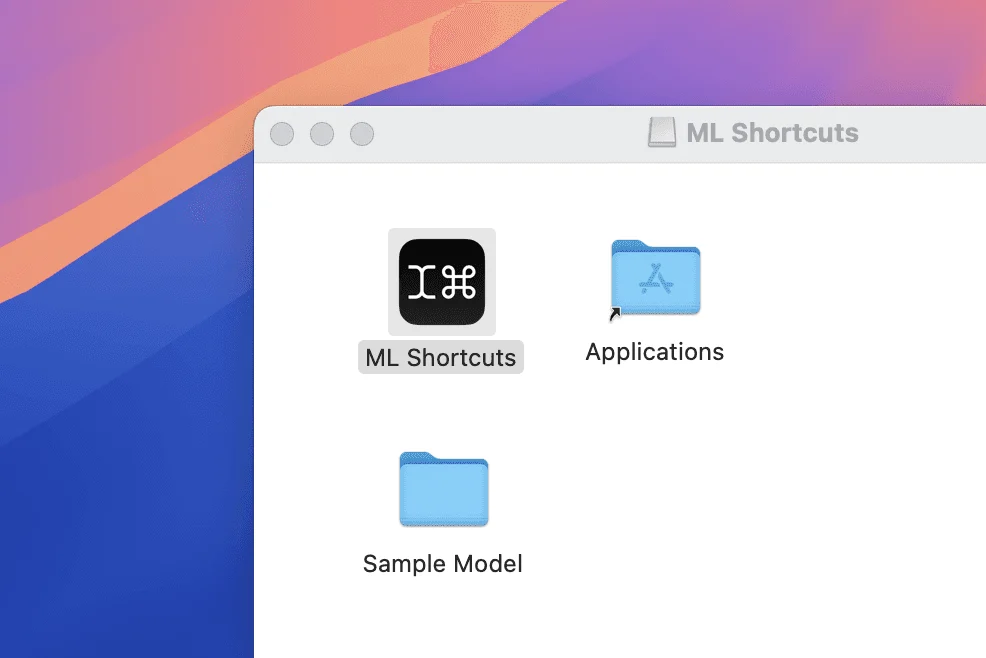
Drag ML Shortcuts into Applications. A sample model comes with it.
 2
2Map
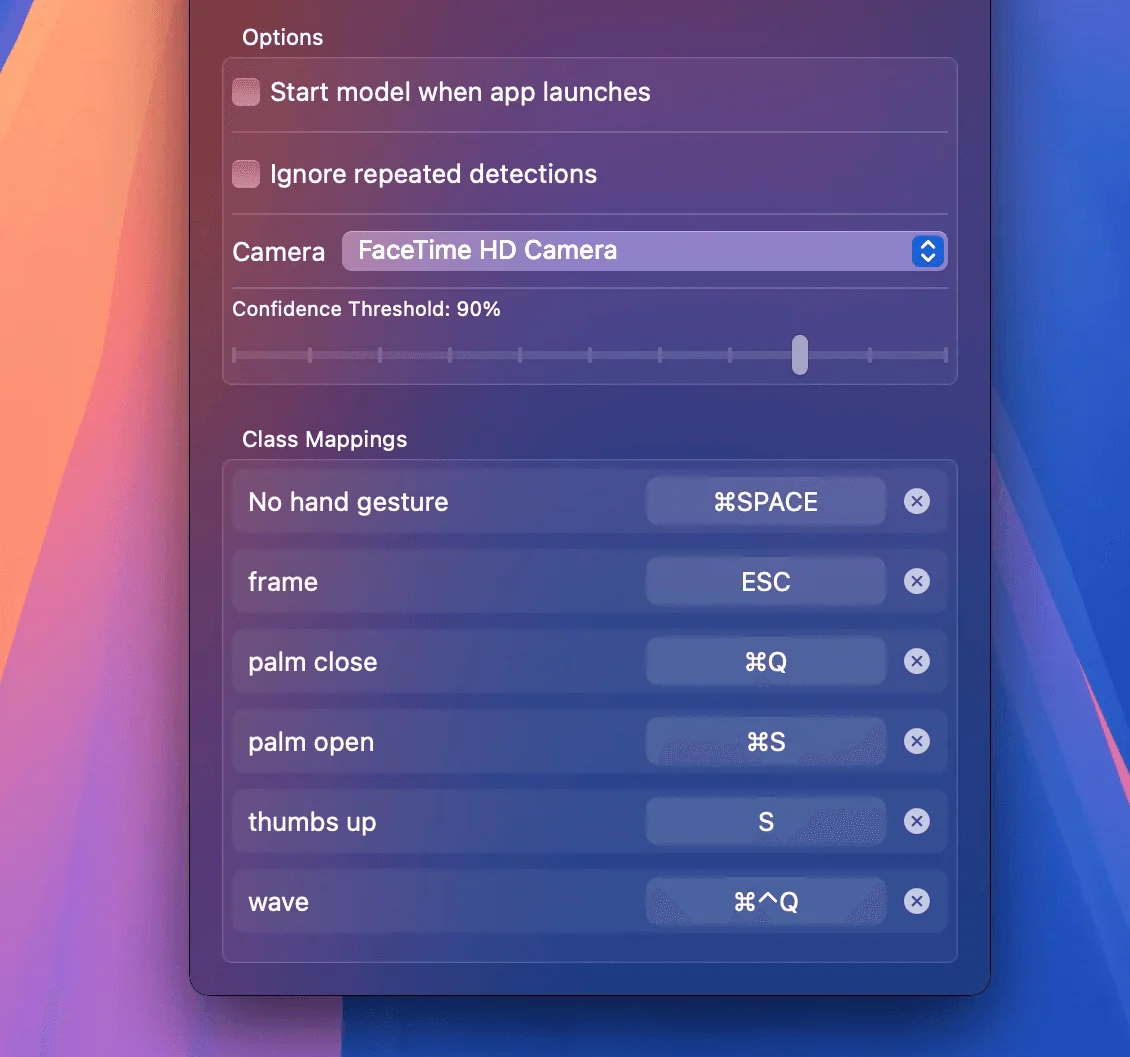
Import a model. Each class gets a row: press the shortcut it should trigger.
 3
3Start
Start the model from the menu bar. When it's sure, it presses the keys.
For designers
Prototype it without code.
Map classes to the keys your Figma prototype listens for, and try a gesture interface for real.
For everyone
Power up your Mac.
Switch Spaces with a thumbs up, save with an open palm, lock the screen with a wave. Any shortcut, in any app.
Bring your own model
Five kinds of models.
Import any Core ML model of these kinds. ML Shortcuts lists its classes for you.
Sound
Microphone
Claps, whistles, words: any sound a sound classifier knows.
Image
Camera
Whatever an image classifier was trained to recognise in the camera's view.
Hand pose
Camera
Still hand signs like a thumbs up or a peace sign. Can also move, click and drag the pointer.
Hand action
Camera
Hand movements over time, like a wave or a swipe.
Object detection
Camera
Finds objects in the frame and can steer the pointer to the one you track.
Details
Tuned for real rooms.
Confidence threshold
Presses only when the model is at least this sure.
Ignore repeats
Hold a thumbs up and it presses once, not over and over.
Pointer control
Hand pose and object models can move the pointer. Hand signs can click and drag.
Picture in picture
A small floating camera view that stays with you across Spaces.
Any camera or mic
Pick the input, for example an external webcam.
Starts with the app
Optionally start the model as soon as ML Shortcuts opens.
Create ML
Train your own in minutes.
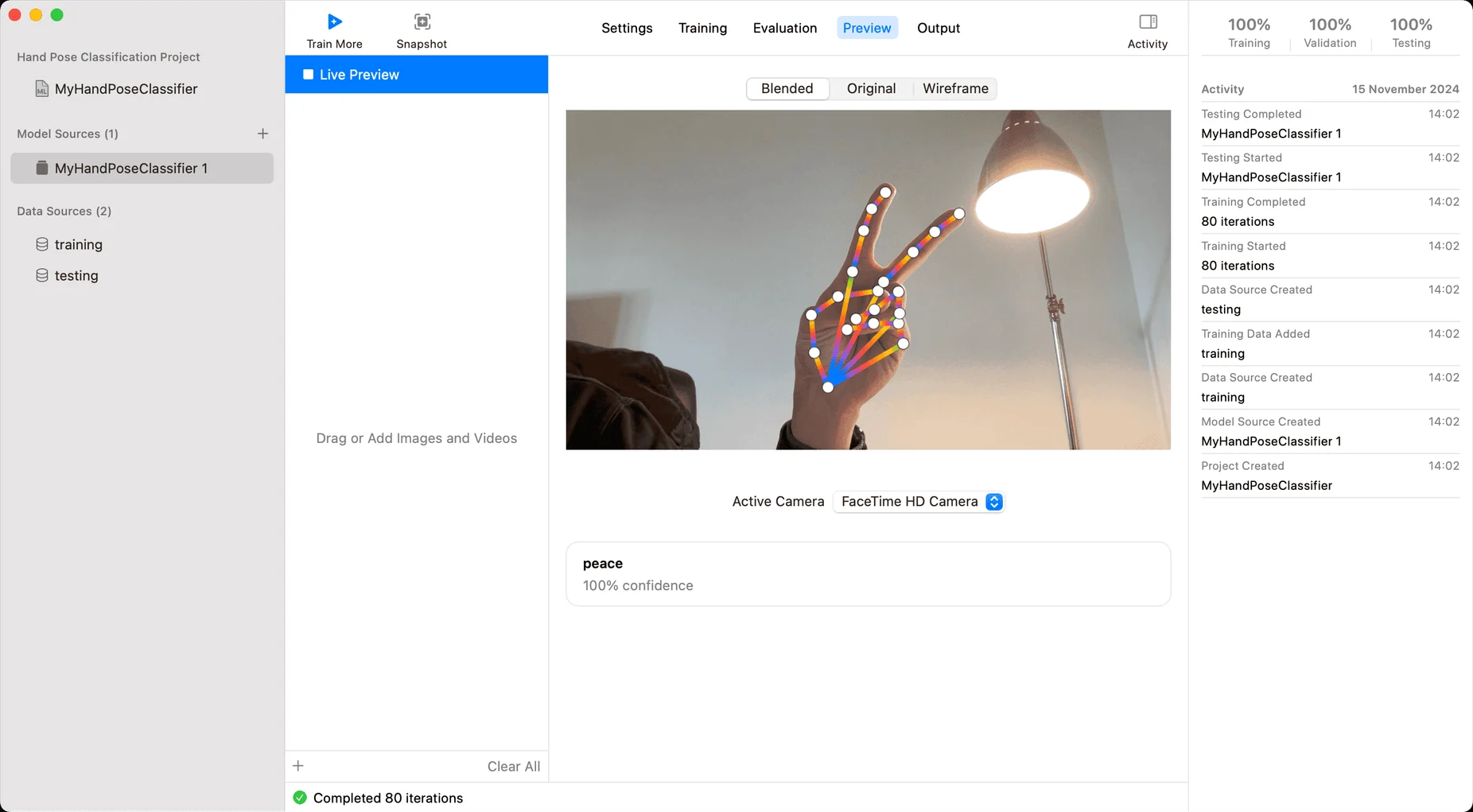
Create ML on your Mac turns your own examples into a hand pose, sound or image classifier. No code.
Collecting sounds? Annotate Audio records examples on your iPhone and exports them ready for Create ML.
Annotate Audio →Private by design
Runs on your Mac.
Your camera and microphone feed the model and nothing else.
On-device
Core ML runs your model on your Mac. Nothing is recorded or uploaded.
Offline
The app never connects to the internet. No account, no analytics.
Your permissions
Camera or microphone for the model, Accessibility to press keys. macOS asks first.
Free, pay what you want
Give your Mac a wave.
The download comes with a sample model, so you can try it right away.
macOS 14+ · Apple silicon & Intel · Free, pay what you want