 Annotate Audio
On-device sound classifier
Teach your
iPhone
any sound. Annotate Audio: train a machine-learning sound classifier on your iPhone.
Record examples, train a classifier on your iPhone, let it listen.
- Machine learning
- Create ML
- Core ML
- On device
 iPhone · iOS 18 or later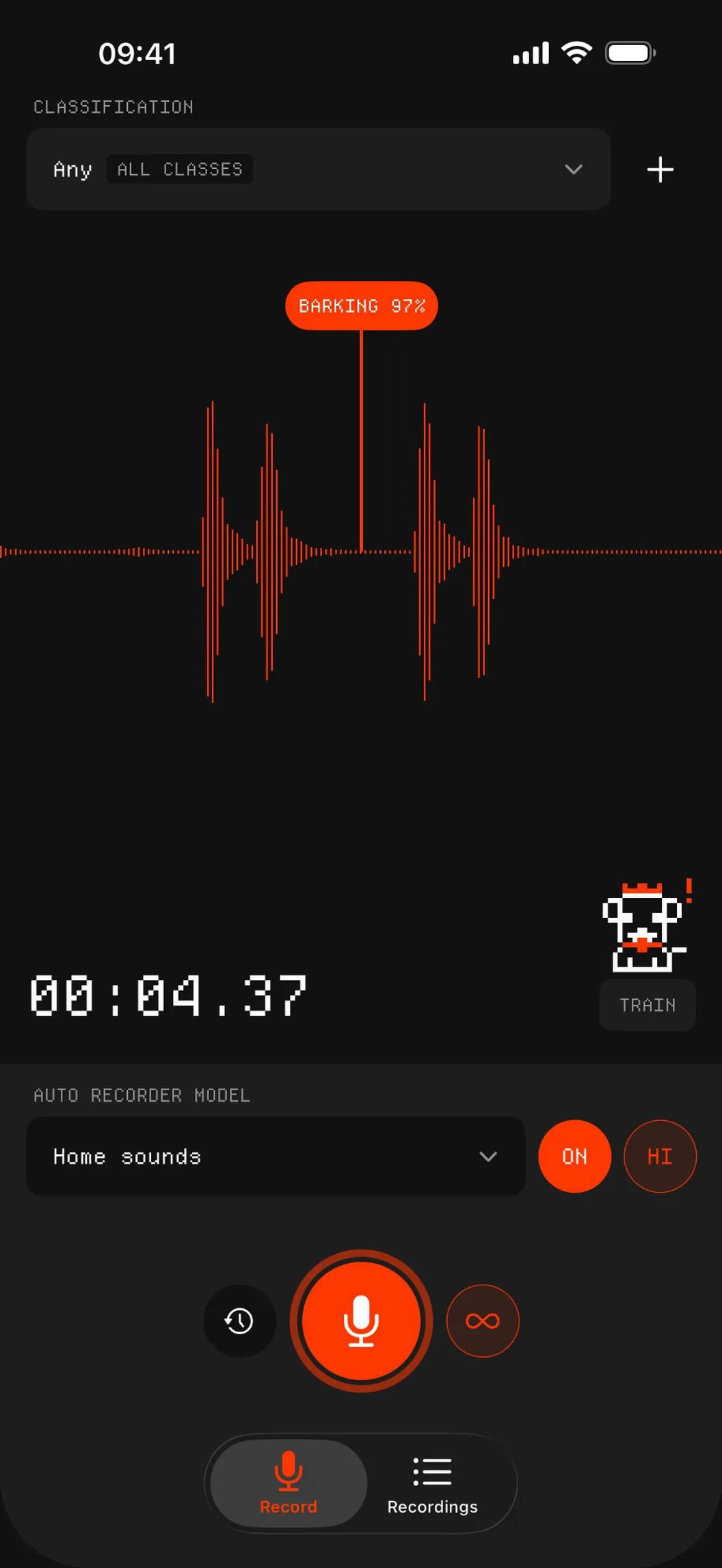
A live meter playing real recordings of a bark, a snore, a cough, a horn and a sneeze, tagging each sound as it is recognised.
How it works
Label. Record. Train. Detect.
Machine learning for sound, without code or cloud.
01
Label
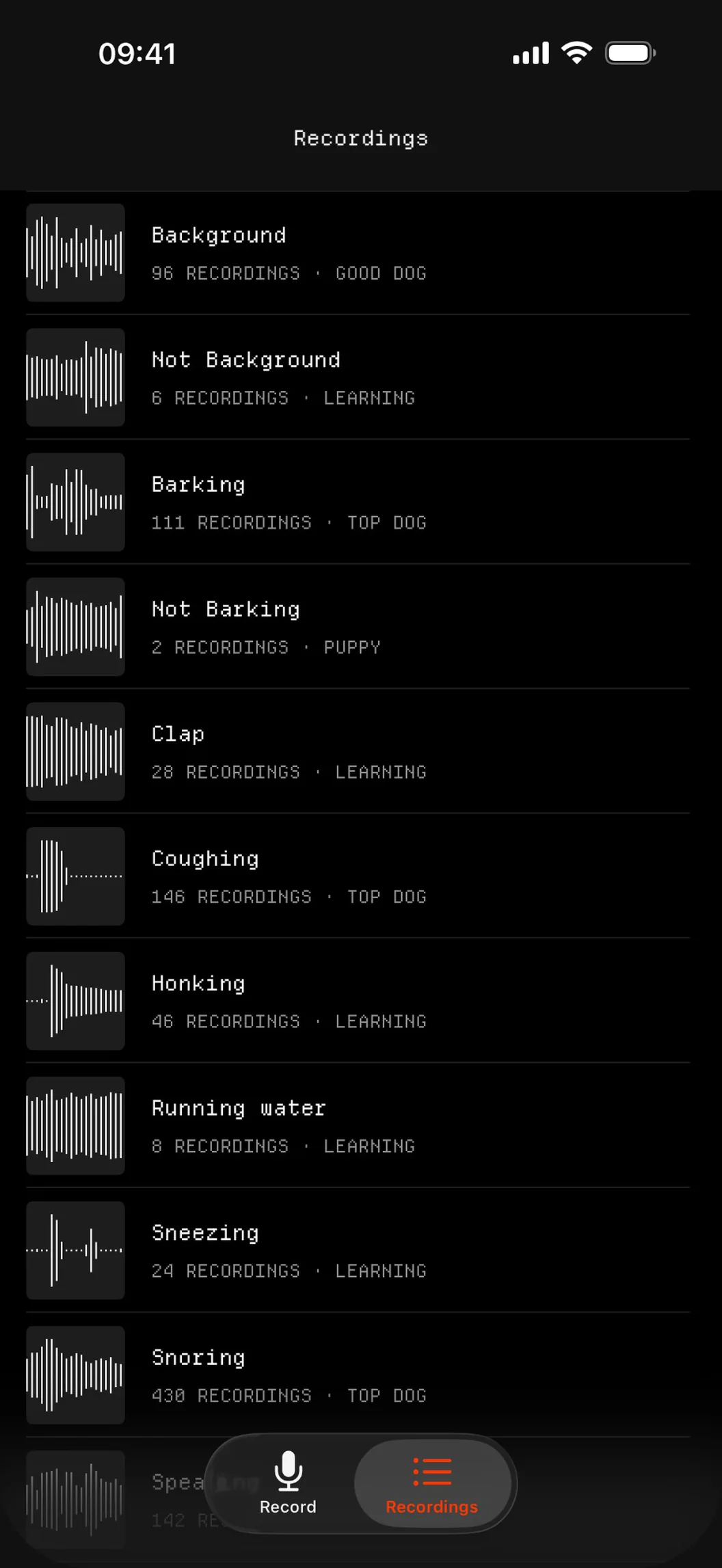
Each sound is a class with its own folder. Add a “Not …” class so it learns the difference.
02
Record
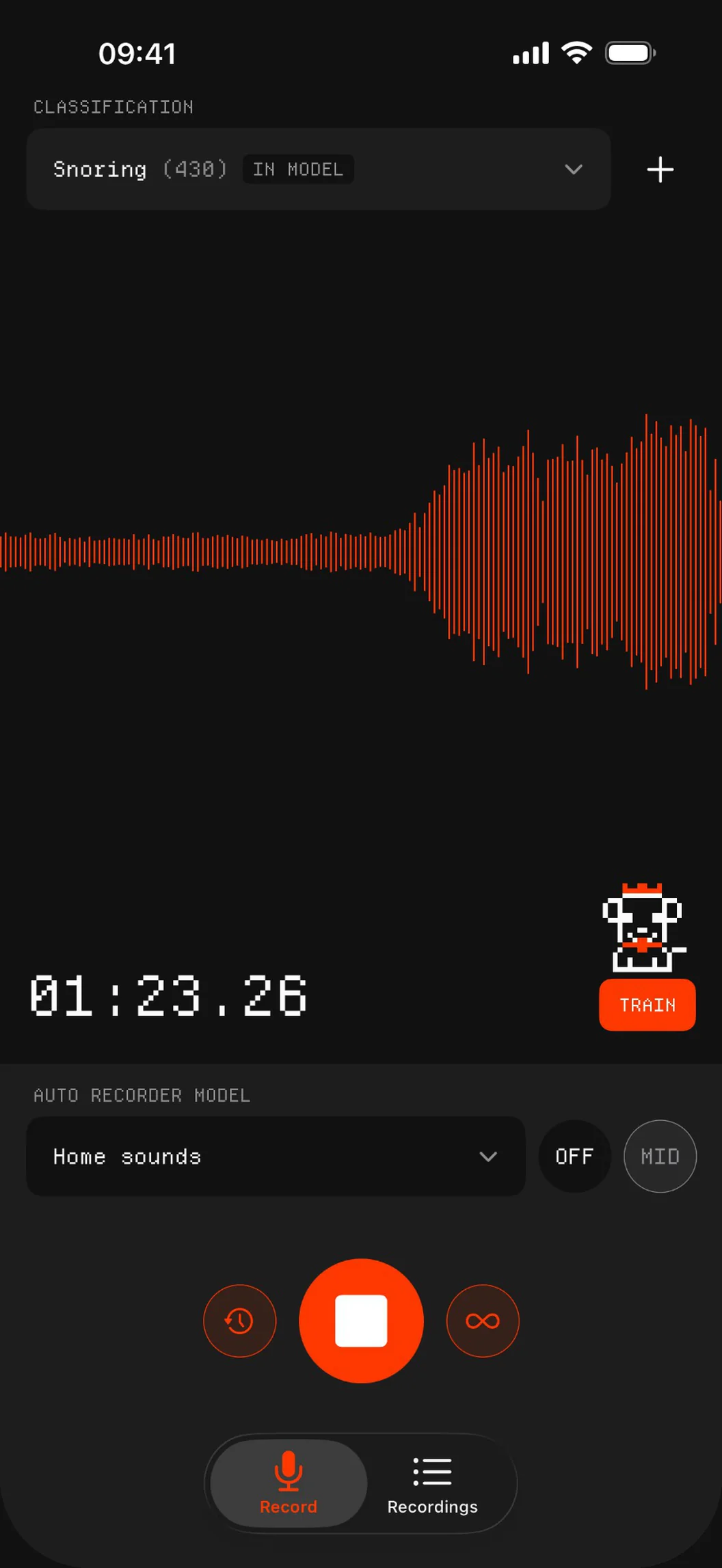
Every recording is a training example. Five per class is enough to start.
03
Train
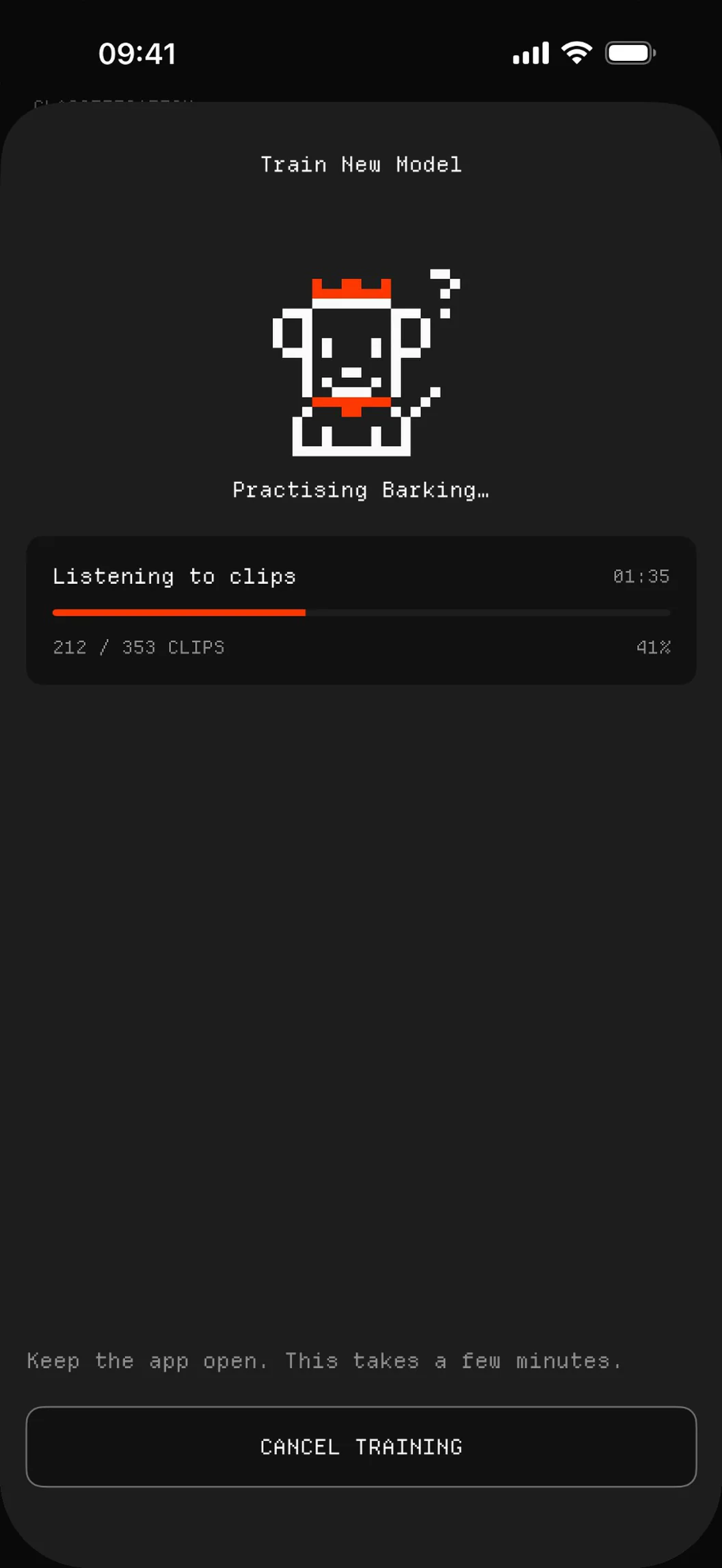
Tap Train. Create ML builds your sound classifier on the iPhone in a few minutes.
04
Detect
Turn Auto on. The model listens live and saves a clip when it recognises a class.
Training data
From Puppy to Top dog.
Puppy
0
Learning
5
Good dog
50
Top dog
100
Hi! I learn sounds.
Reps
000
Puppy
Pre-buffer
Never miss the start.
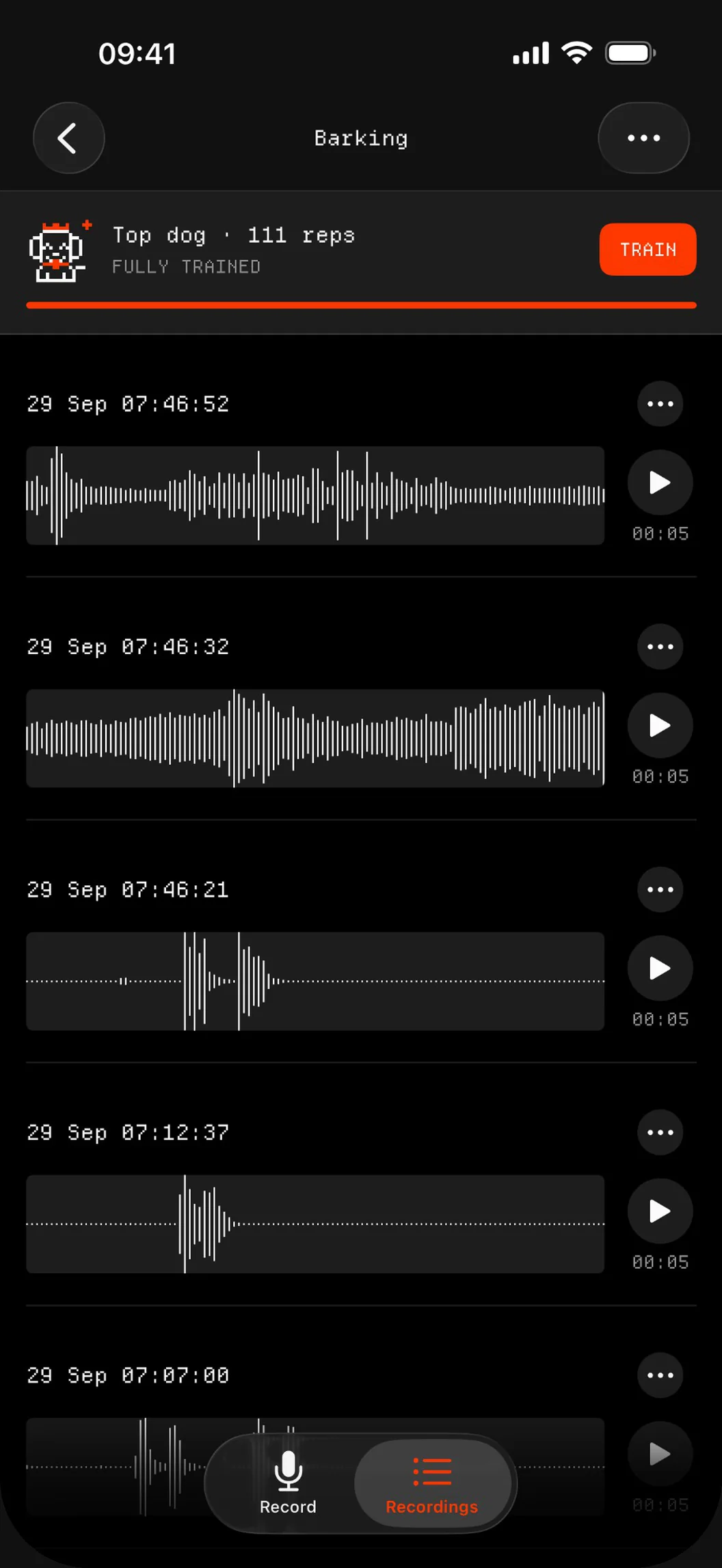
Every auto clip starts 2 seconds before the model recognised the sound.
Real clips from the app. The first barks came before the model was sure, and they are in the recording.
Recording by hand? Turn on the pre-buffer and your clip starts 2 seconds before you tapped.
Made for real life
Only the sound you asked for.
Train a class for any sound, leave it listening, and come back to just those clips.
- BarkingBarking or whining while you're away.
- SnoringSnoring and sleep talking at night.
- CoughingA cough in the night, clip by clip.
- HonkingHorns, alarms and doorbells.
- Running waterAppliances and machines.
- TypingAny sound you want to catch, count or collect.
Details
A real ML tool, in your pocket.
Multi-class models
One model knows several sounds. Each clip lands in the folder of its class.
Confidence threshold
Set how sure the model must be before it records: 85, 90 or 95 %.
Model report
After training you see its accuracy, and clips it disagrees with are flagged for review.
Clean training data
Move a mislabelled clip to the right class, then train again.
Dataset export
ZIP any folder, with a training layout for Create ML on Mac.
Listens for hours
Keeps listening in the background and dims the screen when the phone lies face down.
Private by design
Your sounds stay yours.
Your data stays on your devices and in your own iCloud.
Trained on your iPhone
Create ML trains the model and Core ML runs it, both on your device. No cloud, no server.
Your own iCloud
Recordings and models sync through your iCloud Drive, not a server of ours.
No account
No sign-up, no login, no profile.
Your own sound classifier
Teach it your first sound.
Five examples of two sounds is all it takes to train.