 59 min
Press Kit
Everything you need to write or talk about 59 min: facts, descriptions, the app icon and screenshots. You're welcome to use all of it in your coverage.
Fact sheet
- Name
- 59 min
- Developer
- Marco Lüthi, Zürich, Switzerland
- Category
- Productivity, Utilities (visual timer)
- Platforms
- iPhone and iPad, iOS 26 or later
- Status
- Available on the App Store
- Price
- Free
- Language
- English
- Released
- April 2025
- Website
- apps.marcoluthi.com/59-min
- Contact
- hi@luthi-mar.co
About 59 min
In one sentence
59 min is a visual one-hour timer for iPhone and iPad that you set by turning your phone, like the dial of a kitchen timer: a red disk shows the time left and shrinks as it runs down.
Longer
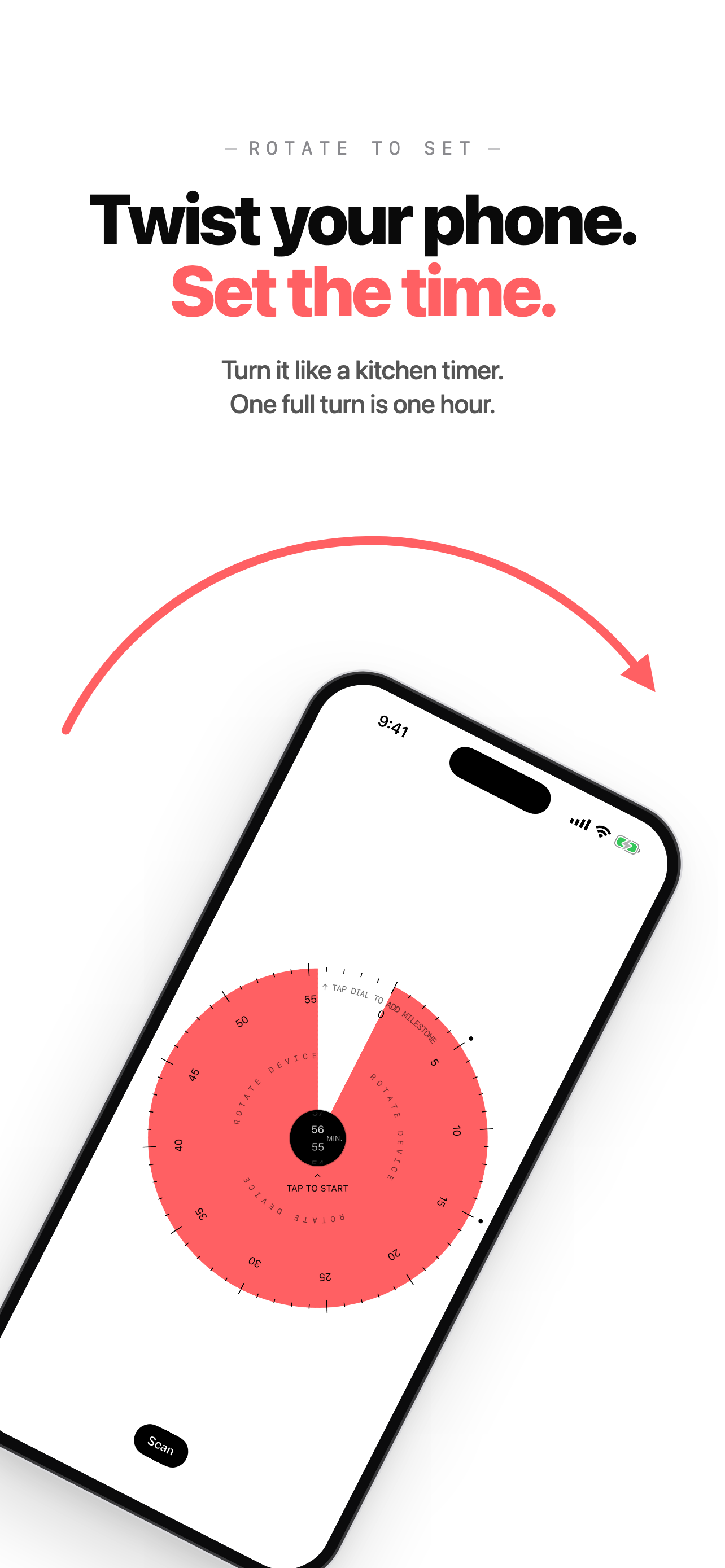
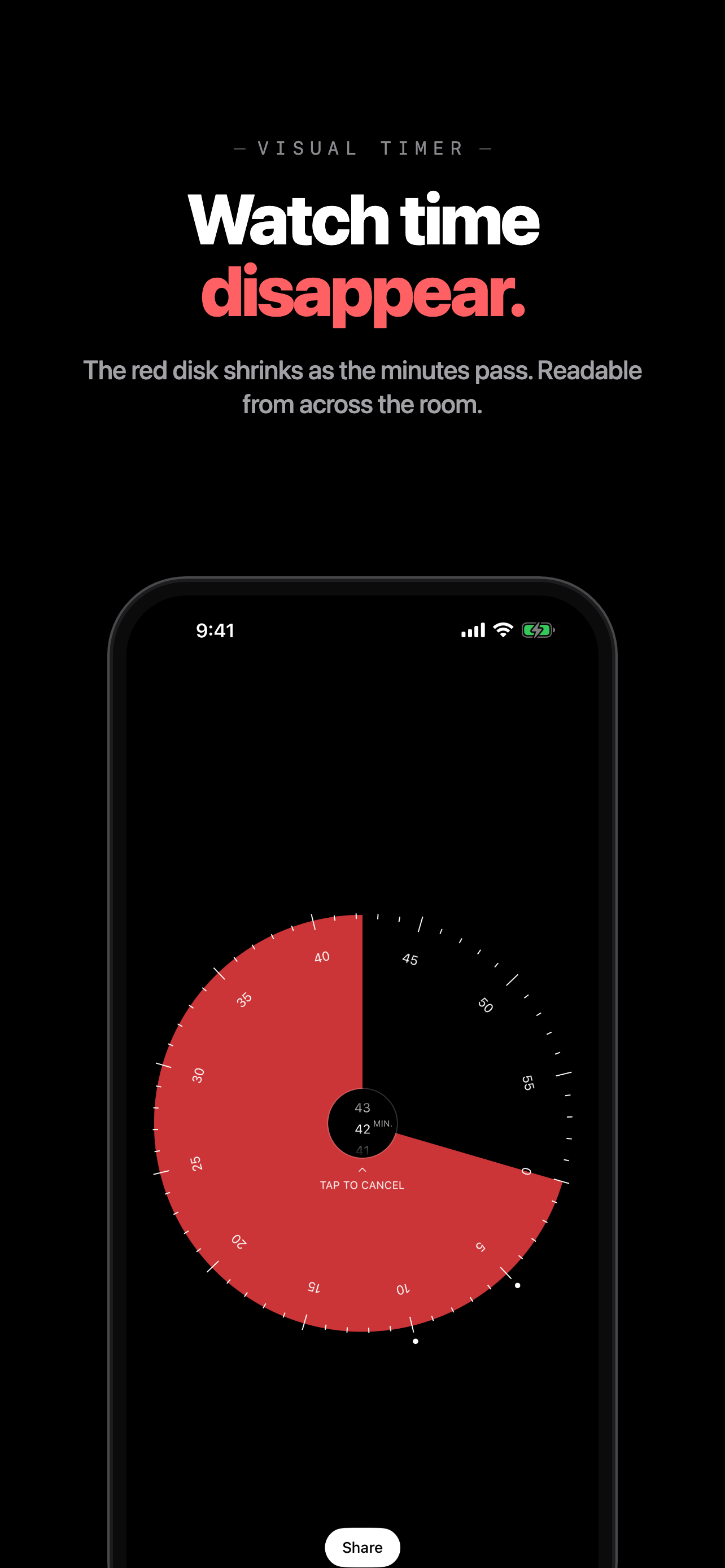
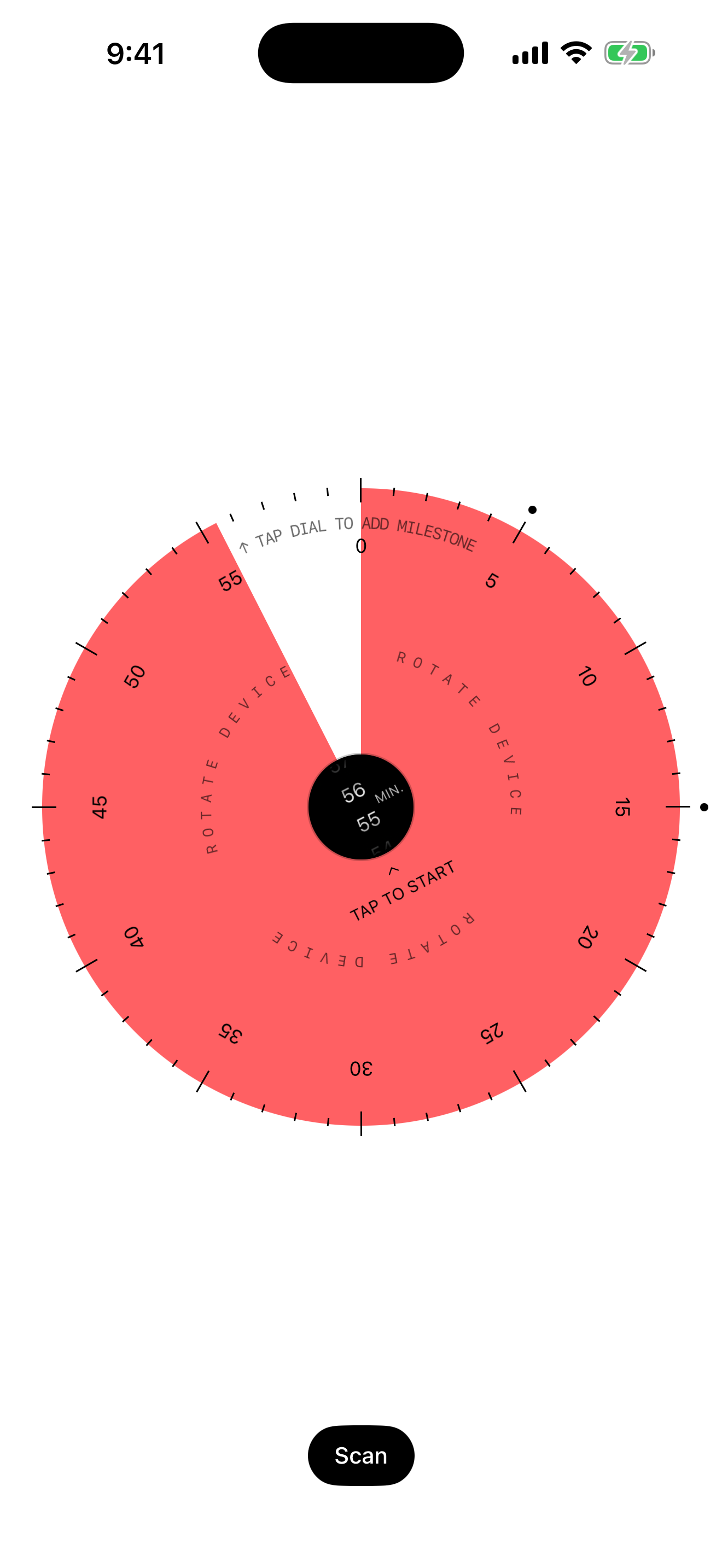
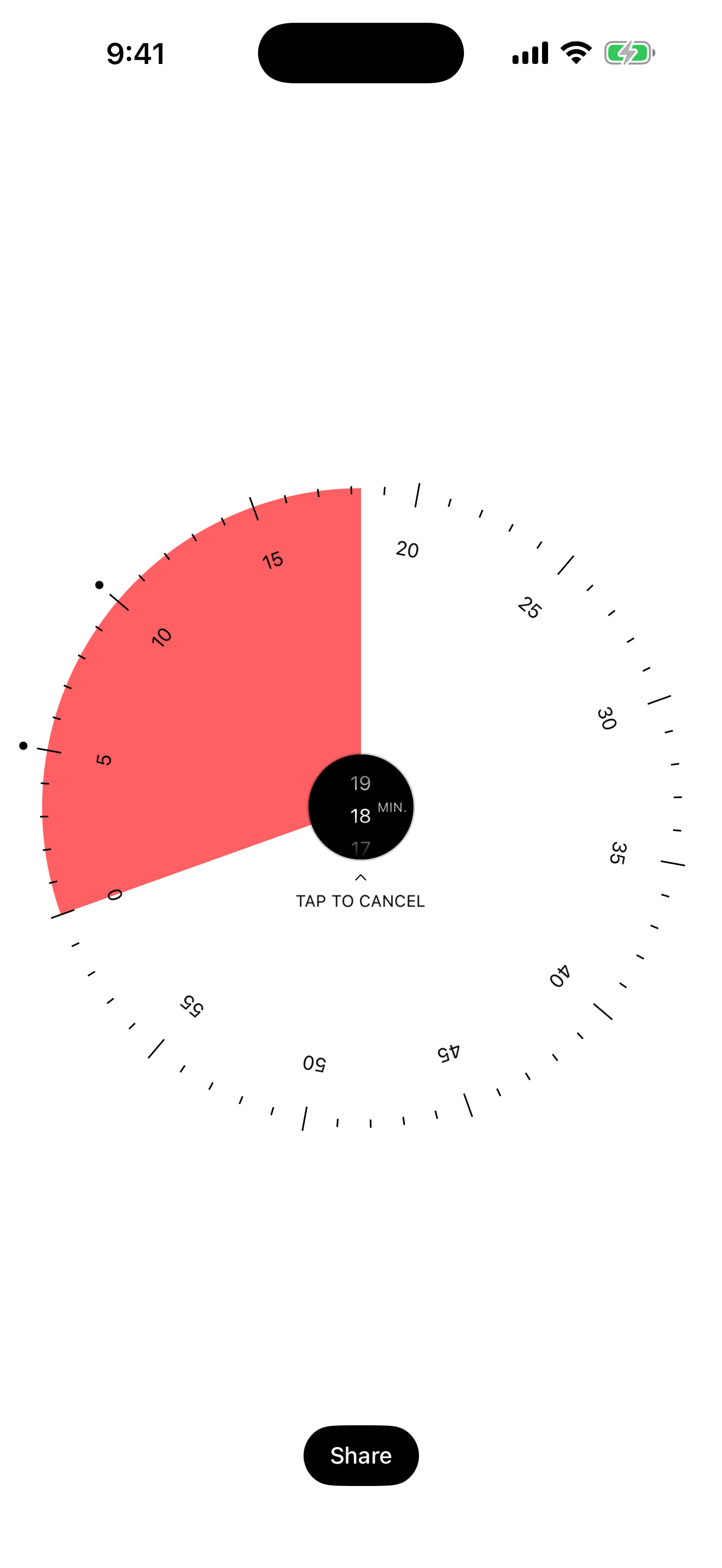
59 min sets a timer the way a kitchen timer does: by turning it. Users tap plus and rotate their iPhone, and a red disk fills the dial. One full turn is one hour, every six degrees a minute. Tap again and the disk starts to shrink, so the time left is readable at a glance, without reading a number.
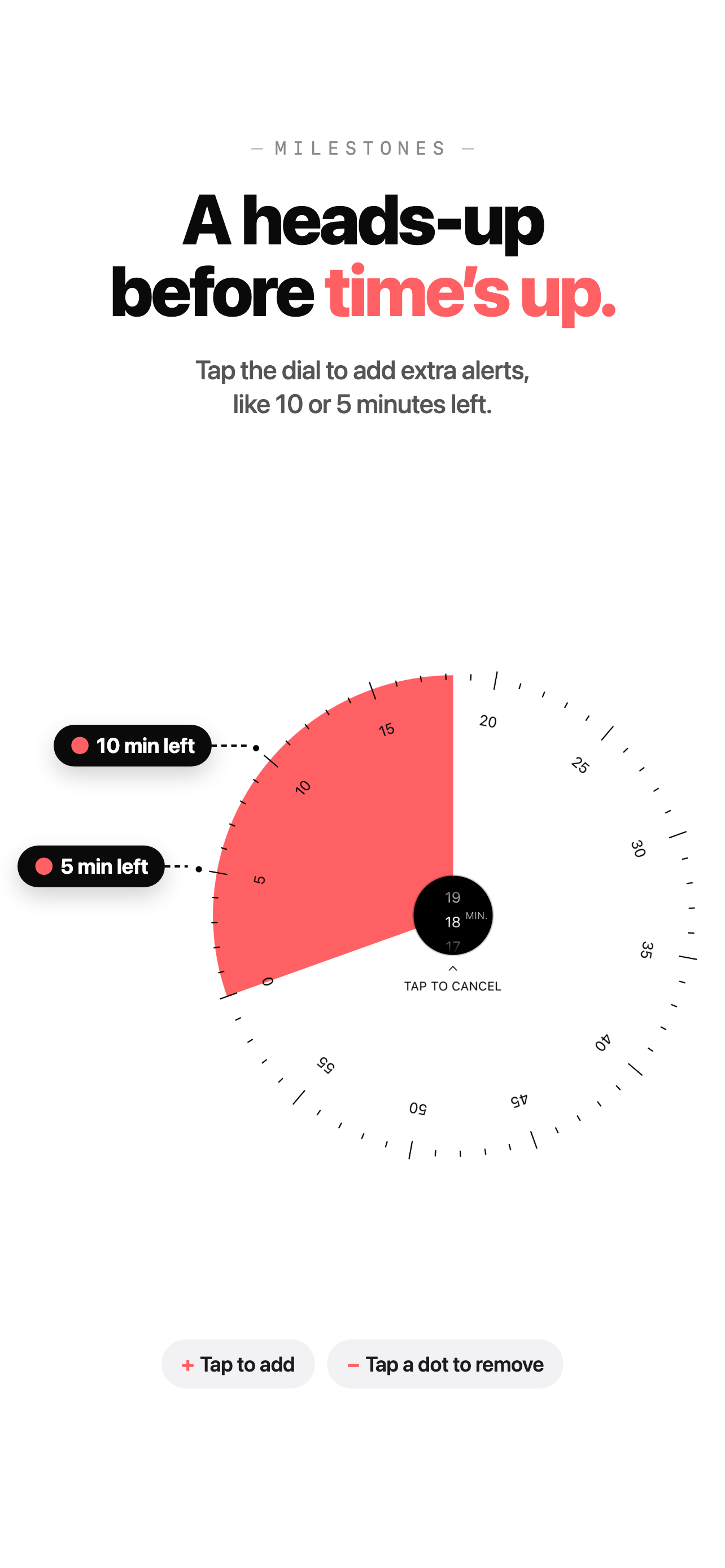
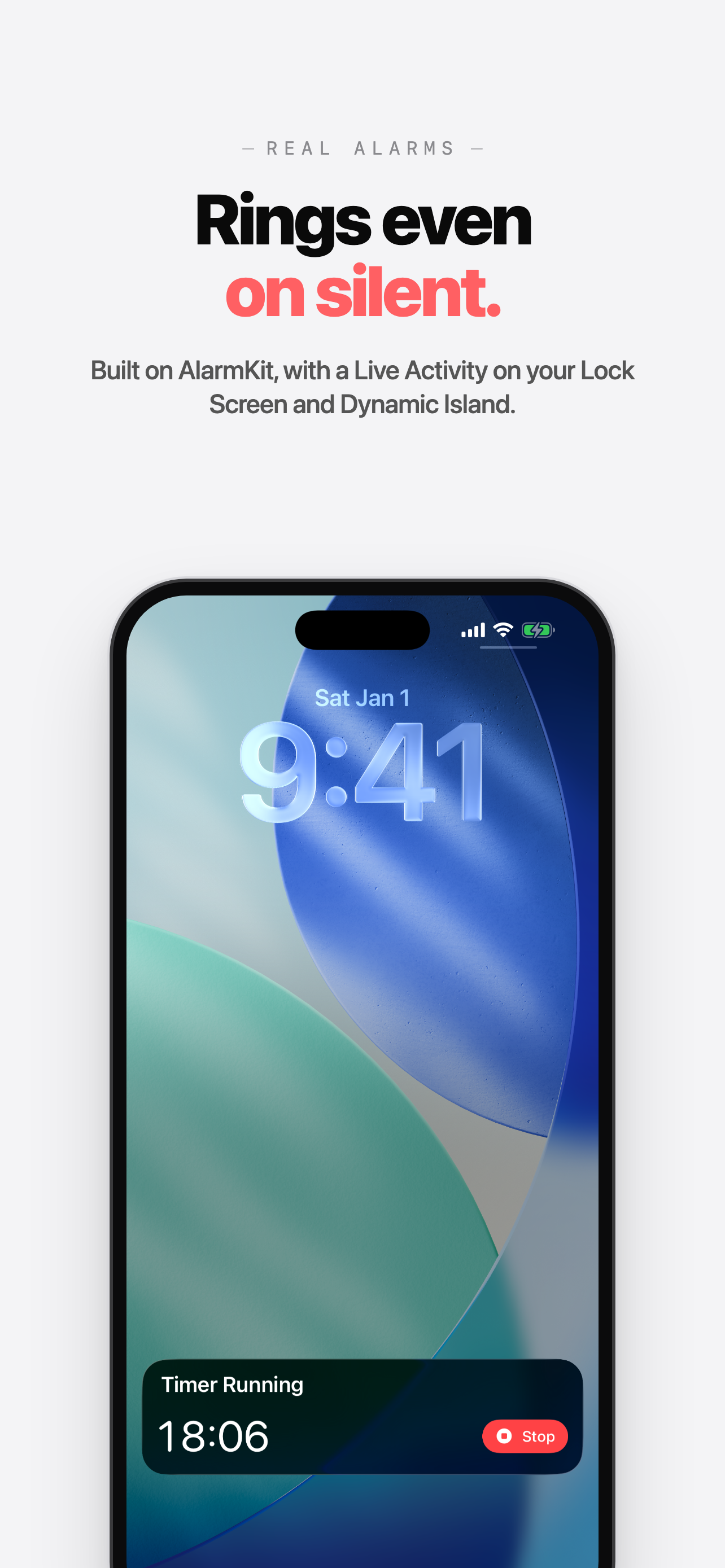
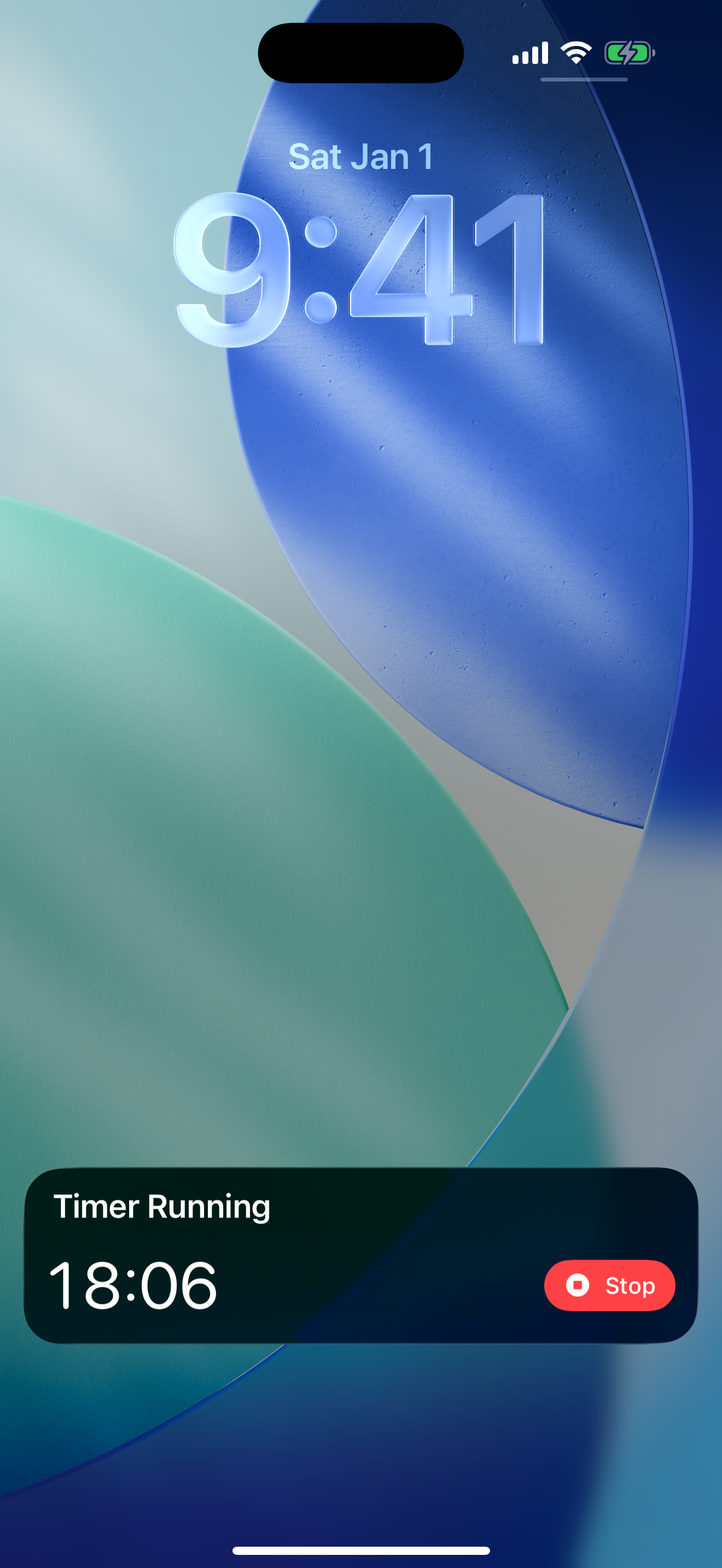
While setting, a tap on the dial adds a milestone, for example ten minutes left, which rings its own alert when the countdown gets there. The alarms are scheduled with Apple's AlarmKit, so they ring even when the app is closed or the phone is locked, and the countdown shows on the Lock Screen and in the Dynamic Island with a Stop button.
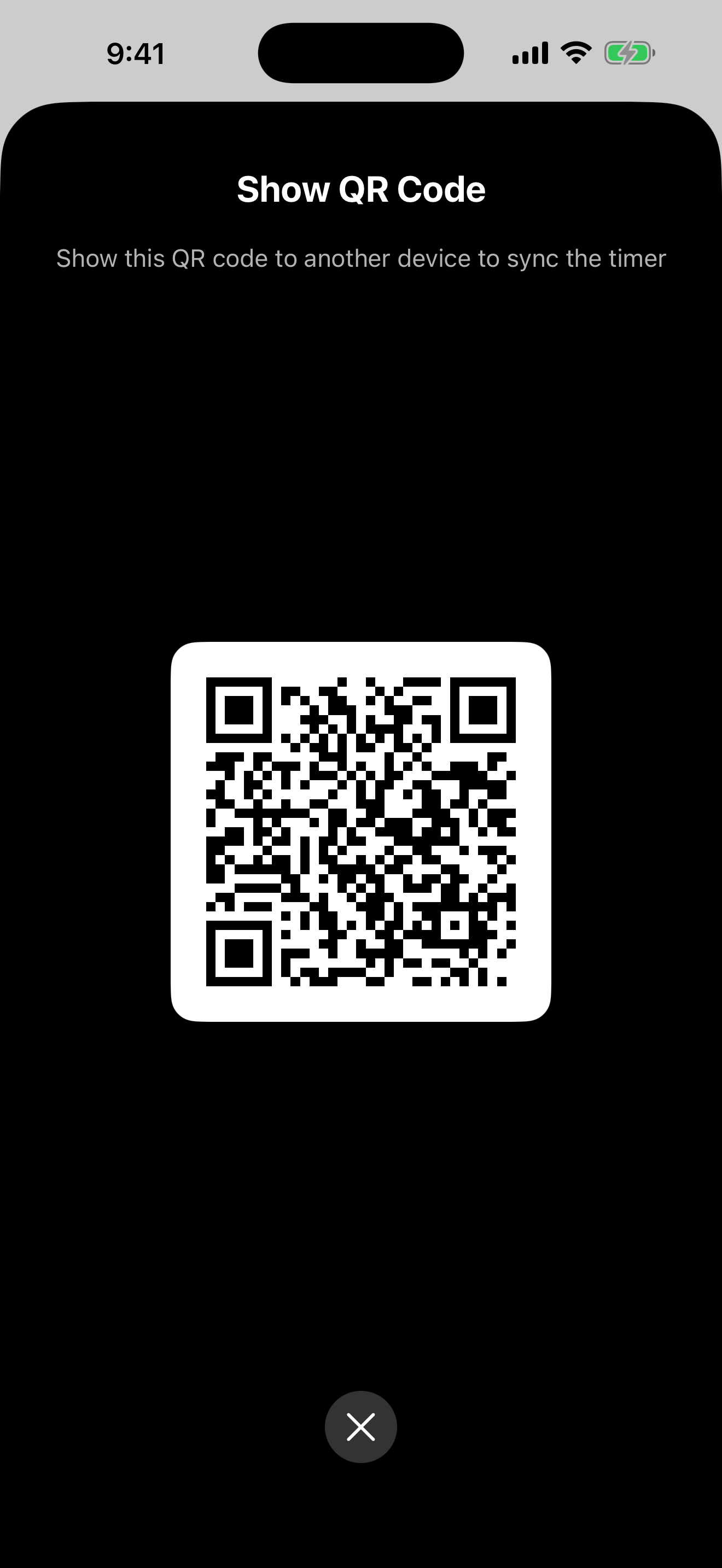
A running timer can be shared by QR code: other phones with 59 min scan it and count down to the same moment, milestones included. That makes it a timer for a whole room, from workshops and breakout sessions to classrooms. There's no account, and the timer travels in the code itself.
Features
- Set up to an hour by turning the phone; it follows the compass heading
- A red disk shows the time left and shrinks as it runs down
- Milestones: extra alerts before the end, added with a tap on the dial
- Alarms through AlarmKit that ring with the app closed or the phone locked
- The countdown on the Lock Screen and in the Dynamic Island, with Stop
- Share a running timer by QR code; other phones count down to the same moment
- Shake to cancel; the screen stays awake while a timer runs
- Light and Dark Mode, no account
App icon
Please use the app icon as it is, without changing its colours or proportions. The dark and tinted versions are for those Home Screen styles.
App Store screenshots
The iPhone set with captions. The iPad set (2064 × 2752) is in the ZIP.
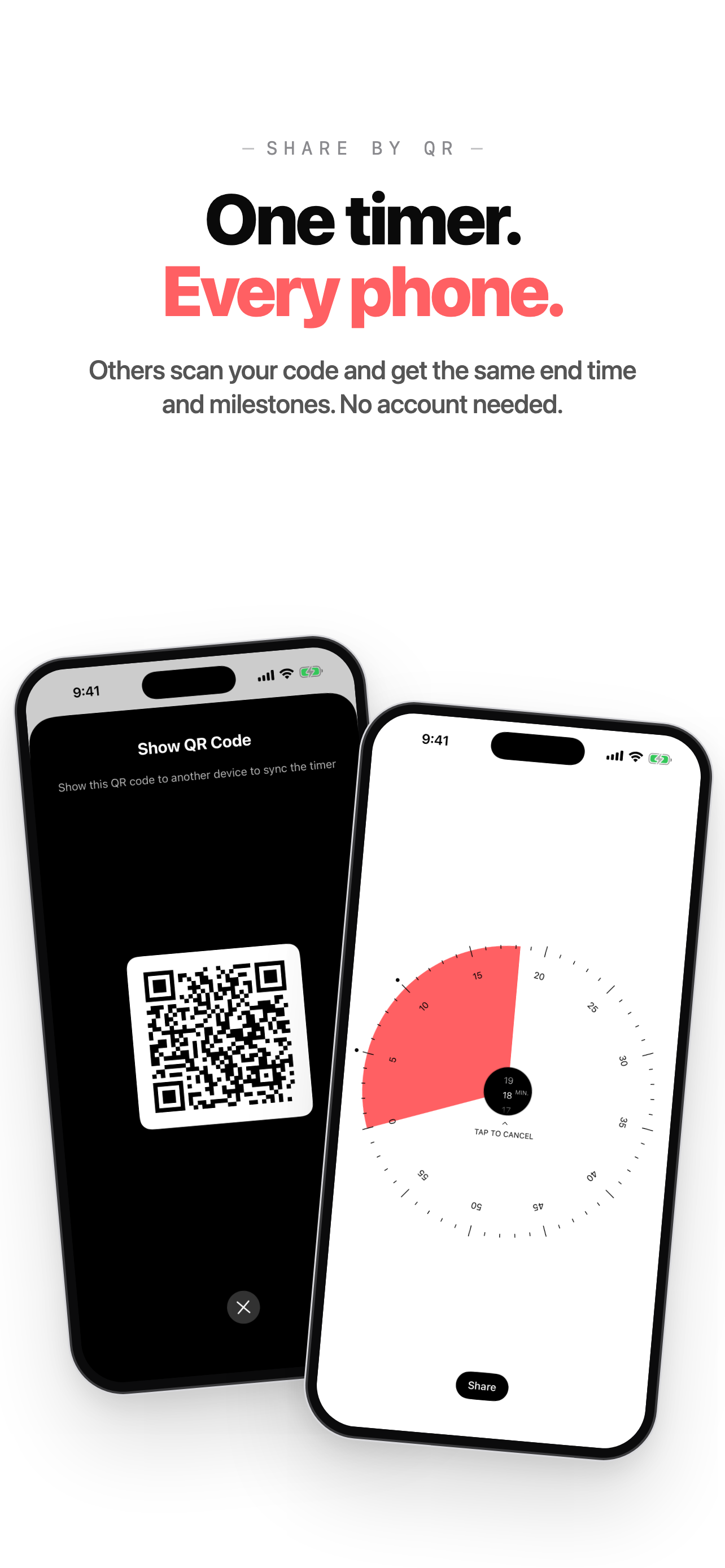
Screens
Full-screen captures without captions.
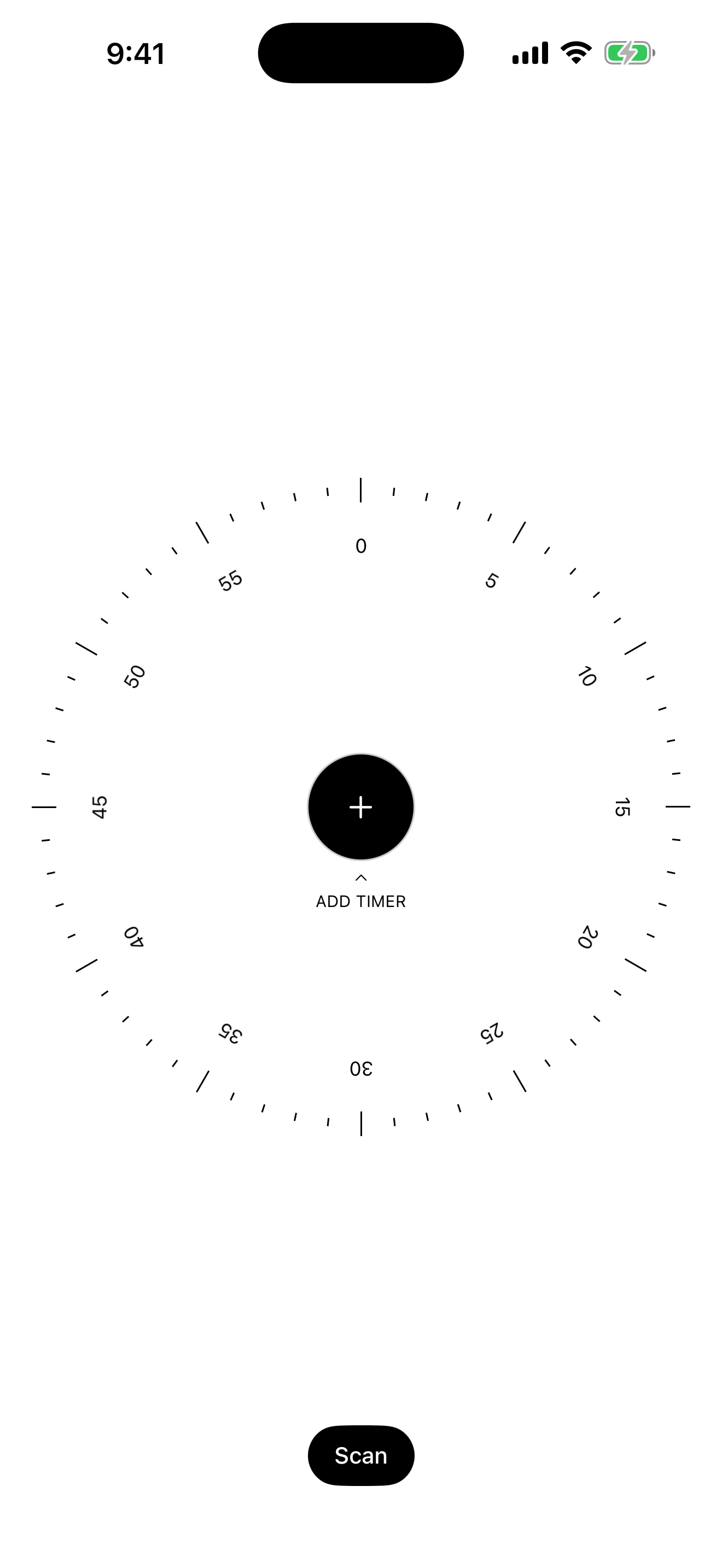
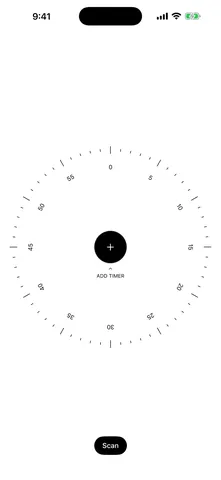 Ready: tap plus to add a timer1320 × 2868 PNG · 84 KB
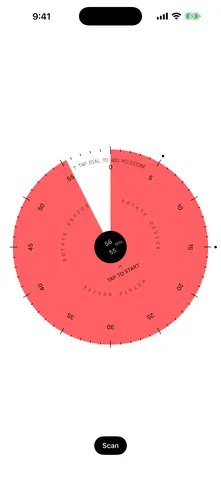 Setting 55 minutes by turning1320 × 2868 PNG · 161 KB
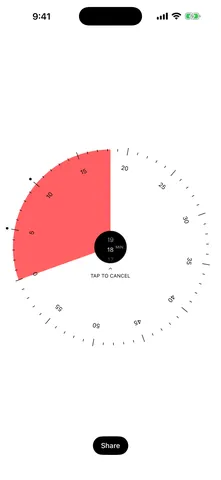 Running, with a milestone1320 × 2868 PNG · 107 KB
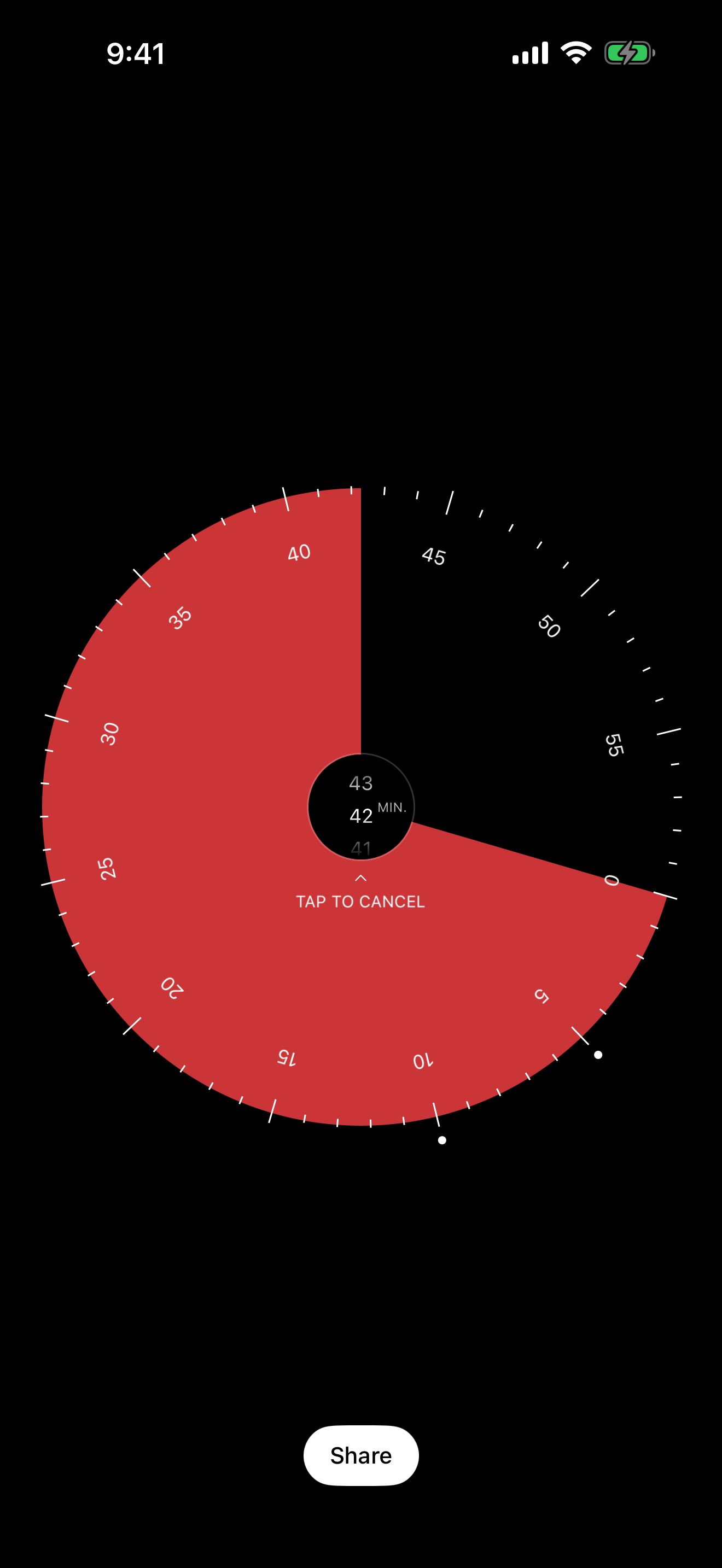
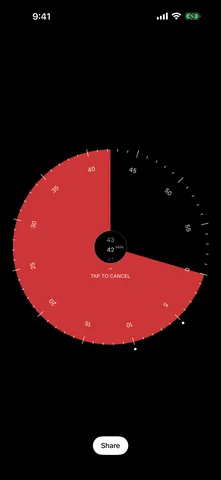 Running in Dark Mode1320 × 2868 PNG · 113 KB
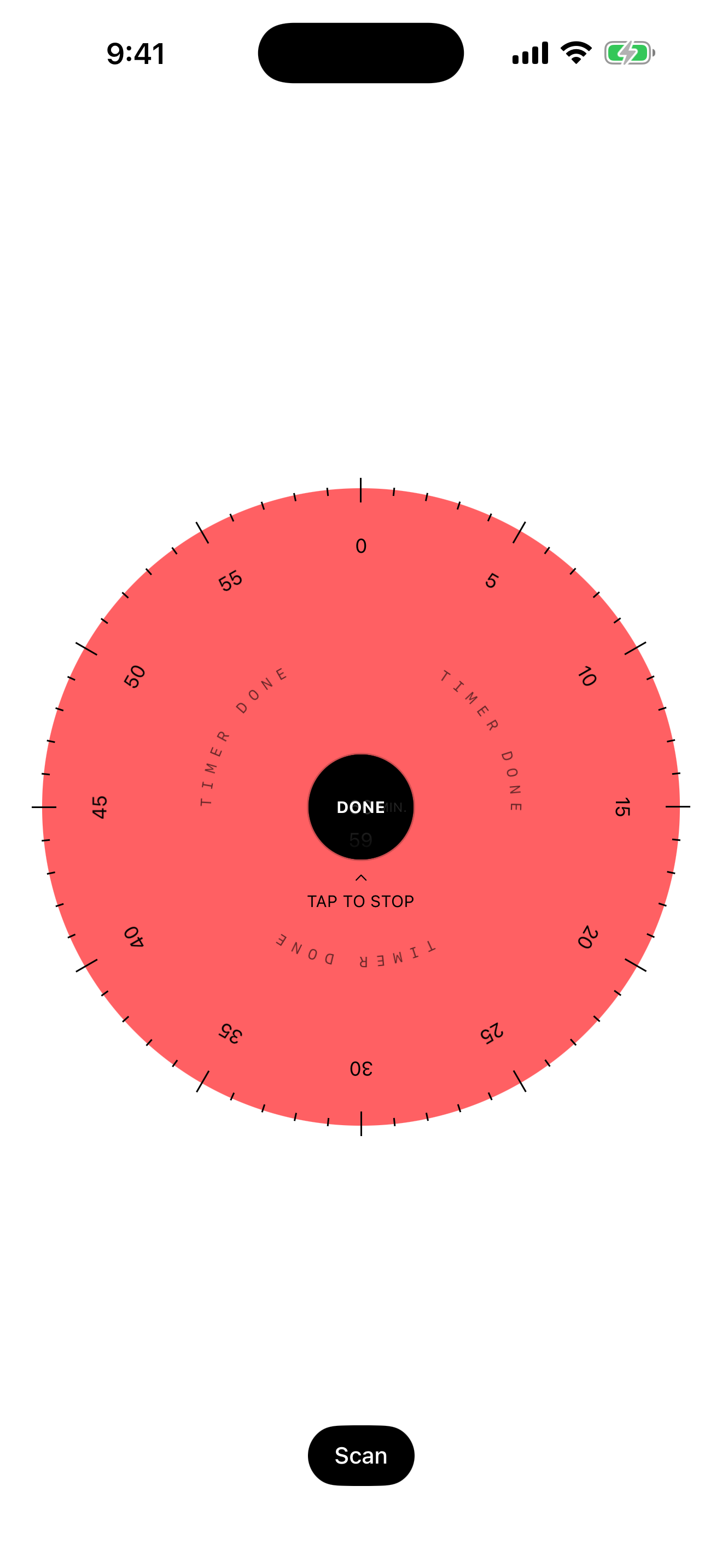
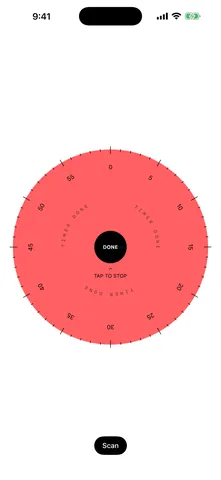 Time's up1320 × 2868 PNG · 125 KB
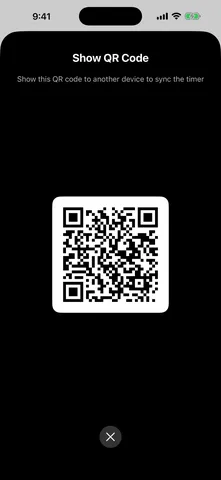 Sharing a timer by QR code1320 × 2868 PNG · 55 KB
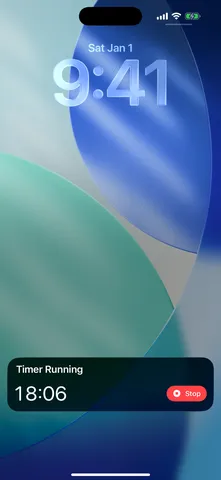 The countdown on the Lock Screen1320 × 2868 PNG · 2.9 MB
About the developer
59 min is made by Marco Lüthi, an independent developer in Zürich who builds apps for iPhone and Mac. For interviews or anything else, write to hi@luthi-mar.co. More apps are on the overview.