01/Finished
It starts with a friend.
Anna from your Book Club recommends Dune. It’s on her Finished shelf, with five stars.
Anna Rossi’s Library · Finished
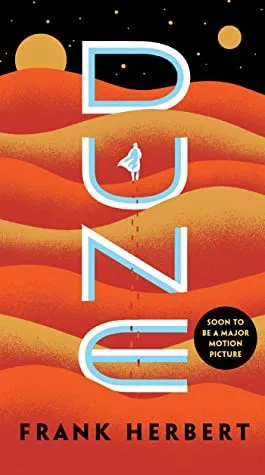
Dune
Frank Herbert · 1965 · 608 pages
From Anna
Book tracker for iPhone & iPad
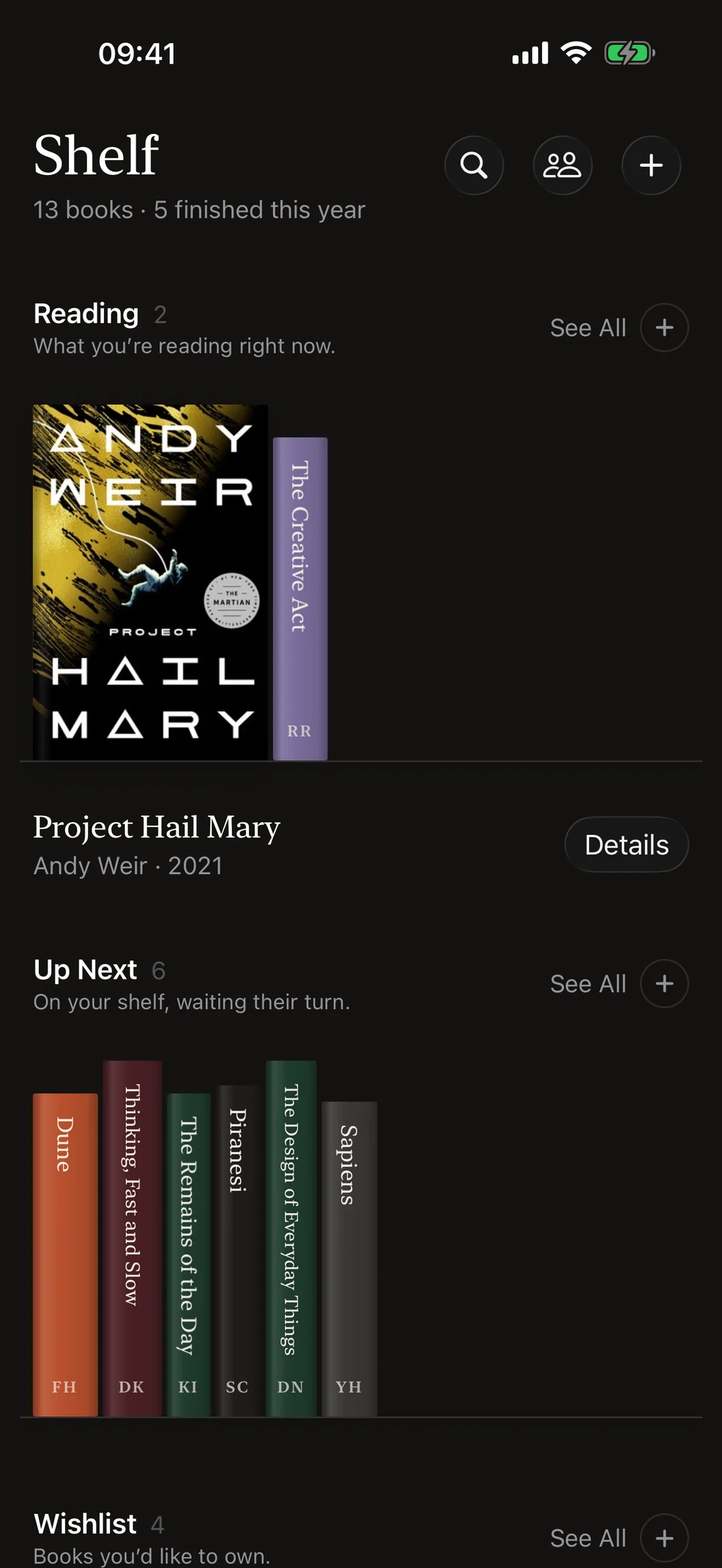
The book you're reading, the ones up next and the ones you'd love to own. On a shelf that looks like one.
Reading
What you’re reading right now.
Up Next
On your shelf, waiting their turn.
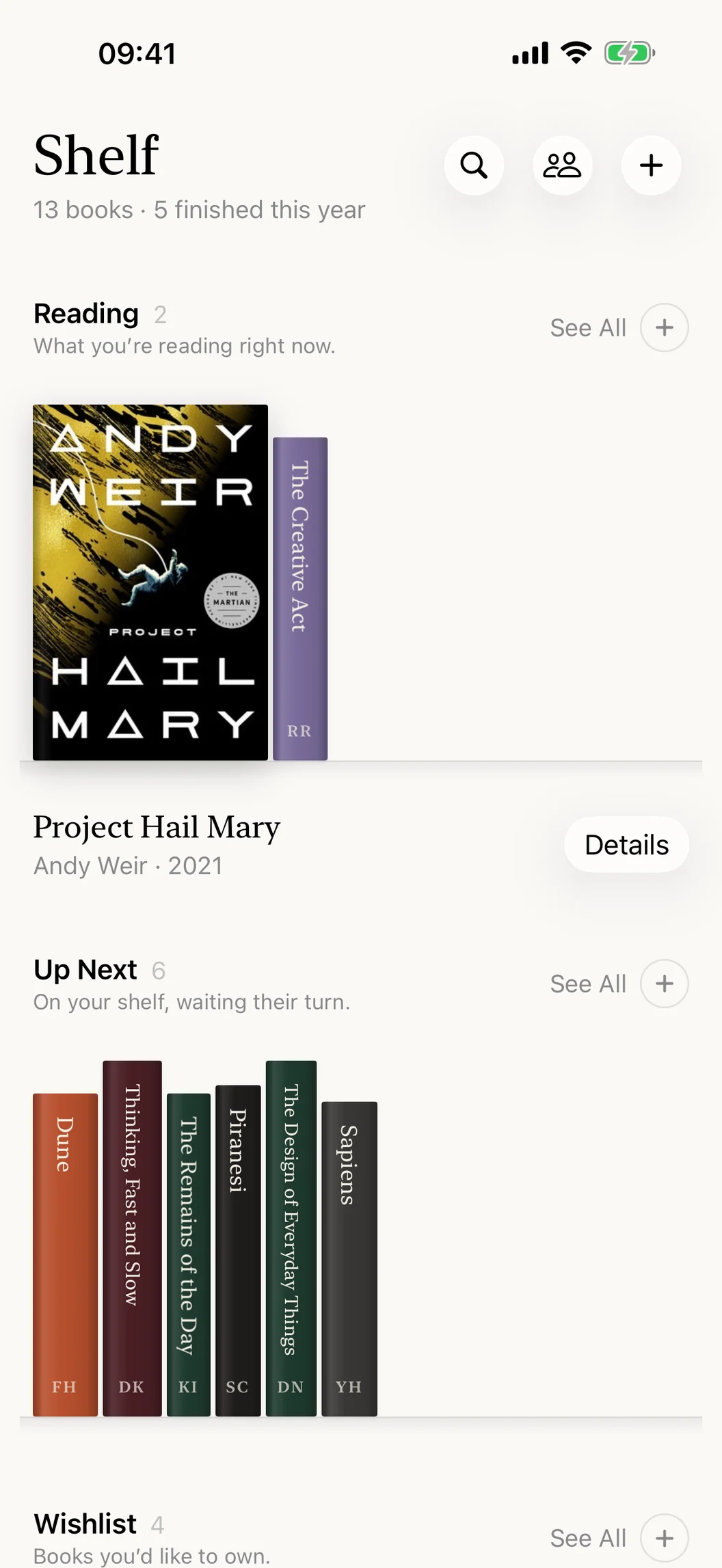
Wishlist
Books you’d like to own.
Finished
Read and remembered.
The life of a book
01/Finished
Anna from your Book Club recommends Dune. It’s on her Finished shelf, with five stars.
Dune
Frank Herbert · 1965 · 608 pages
Recommend
One Recommend button on every book. Your Book Club, or anyone at all.
iMessage
Shelf comes with an iMessage app. Send a book from your library without leaving the conversation.
No Shelf on their side? Hold a cover and choose Send Link Instead: the link opens the book's page on the web.
Add Book
Cover, author, summary and page count come back on their own. All you do is point, paste or type.
Details
Tap a turned-out book for its page. Everything about the book, and everything about your copy.
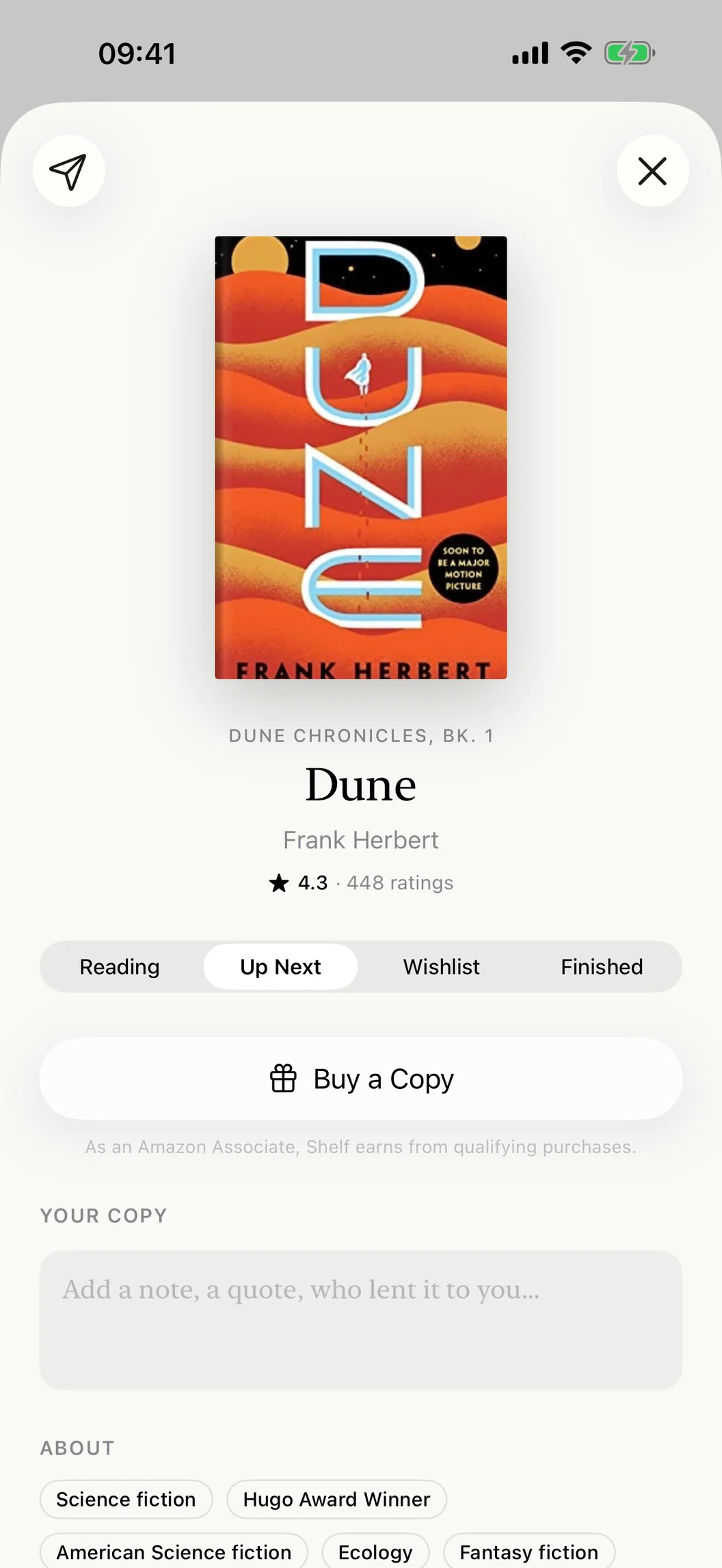
The summary, subjects and series, from Open Library.
Pages, format, language and publisher, and what other readers think.
Its shelf, your stars and your notes. The notes are only ever yours.
Your library
Each shelf shows its 30 latest books. See All opens the rest as a bookcase, a wall of covers or a list, with sorting and filters.
Finished
5 books
2026 · 5 books

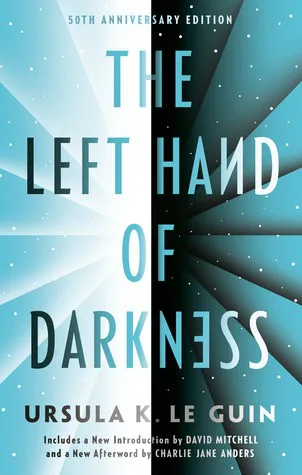
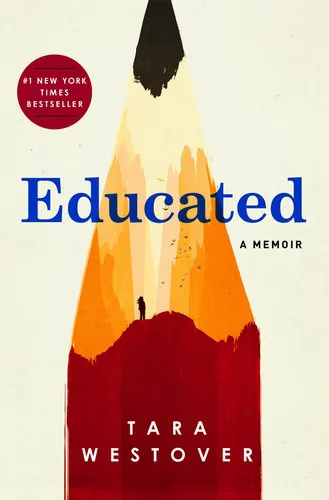

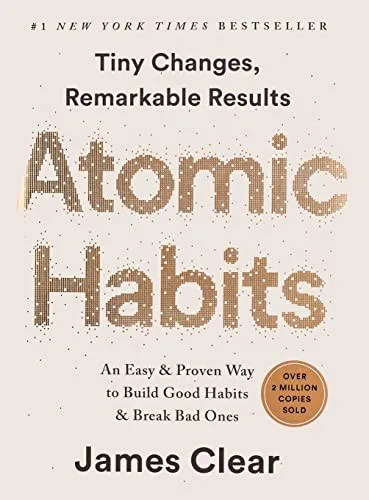
Looking for one book? Search finds it by title, author or ISBN, on every shelf or just one.
Privacy
No account to make. Your books live on your devices and in your own iCloud.
No sign-up, no login, no profile.
Your library syncs privately between your iPhone and iPad.
Books are looked up in Open Library, without anything about you.
No analytics and no tracking SDKs. Nothing to opt out of.
Dark mode
Shelf follows your iPhone into dark mode: warm night paper, cream type and a mustard bookmark.
Scan a barcode or paste a bookstore link to start your library.