Shelf · Book Club
Share your library with the friends whose taste you trust. Browse their shelves, see what they're reading, and pass the good ones on.
Anna Rossi's Library · 8 books
How it works
Each of you shares your own library. Once you both have, you're a Book Club.
Inside Book Club
Book Club opens from the button beside “Shelf”. Here's what's waiting there.
For You. Recommendations first, then books members pair with ones you loved, then books like the ones you rated highly. Add one and it goes to Up Next.


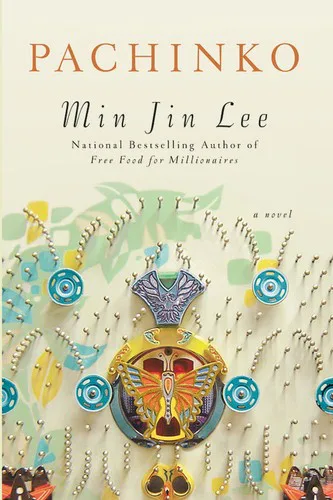
Reading Now. What every member is reading right now. Tap a cover to see the book.

Members’ shelves. Open a member to browse their four shelves, with their stars and what they pair each book with.


You Recommended. What you've sent, and to whom. Changed your mind? Take Back is on the book's Recommend sheet.
Privacy
Your library, read-only. Your notes stay yours.
They see
- Your four shelves and every book on them
- Titles, authors and covers
- Your star ratings
- The books you pair them with
- The name you give your library
- What you recommend, to anyone in the club
They never see
- Your notes
- When you started or finished a book
It all travels through iCloud, between your devices and your friends'. The developer can't see any of it. Privacy policy →
Getting started
1
You both need Shelf and iCloud.
On iPhone or iPad with iOS 26.2 or later, signed in to iCloud.
2
Invite a friend.
Open Book Club and tap Invite a Friend. Send the invitation by Messages, Mail or however you like.
3
They accept in Shelf.
The invitation opens Shelf, and your library appears in their Book Club.
4
Ask them to invite you back.
Then their library appears in yours, and you can recommend books to each other.
Get Shelf, then invite a friend from Book Club. Your shelves, and theirs.
← Everything about Shelf