 Annotate Video
On-device image classifier
Teach your
camera
anything. Annotate Video: train a machine-learning image classifier on your iPhone.
Record clips, train a classifier on your iPhone, let it watch.
- Machine learning
- Create ML
- Core ML
- On device
How it works
Label. Record. Train. Watch.
Machine learning for pictures, without code or cloud.
01
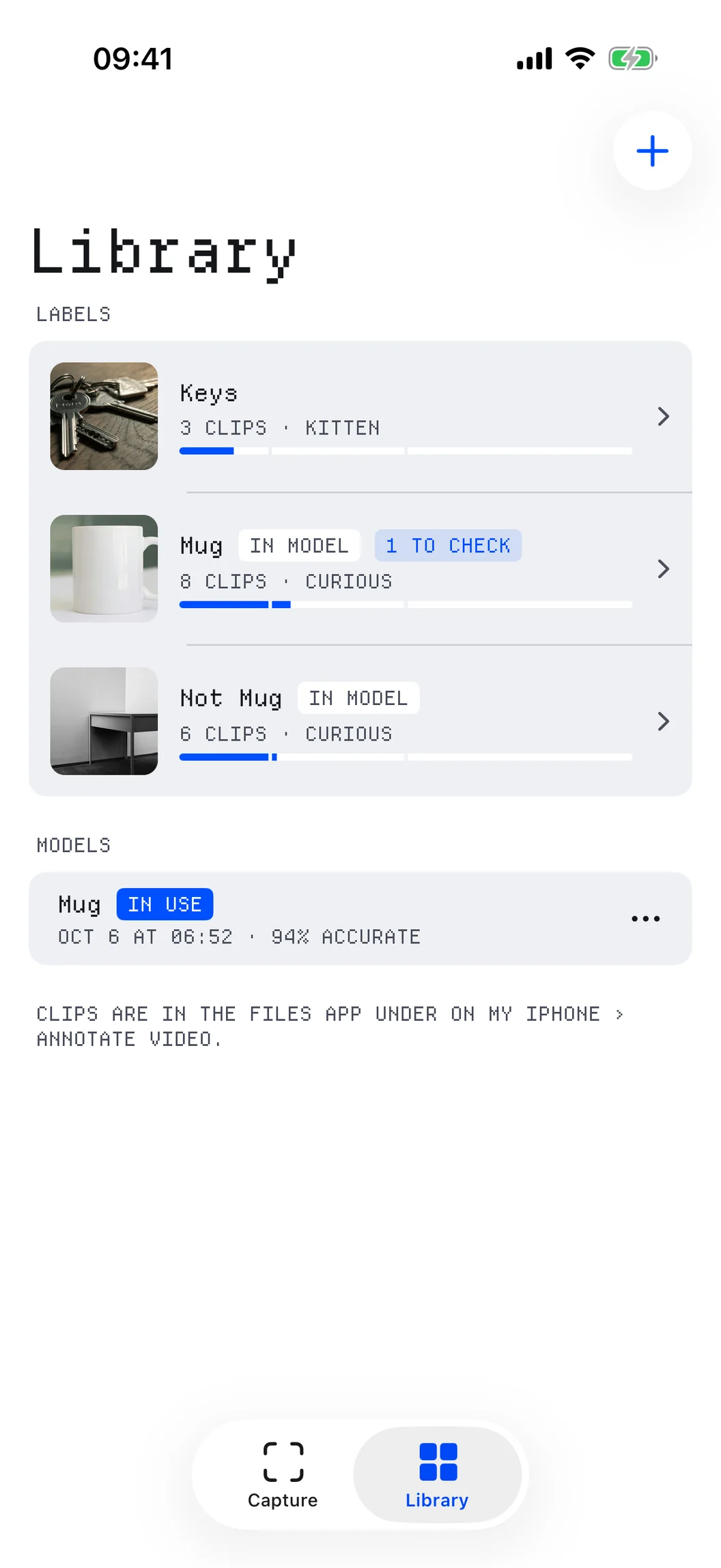
Label
Each thing you want to spot gets a label and its own folder. Add a “Not …” label, so it learns the difference.
02
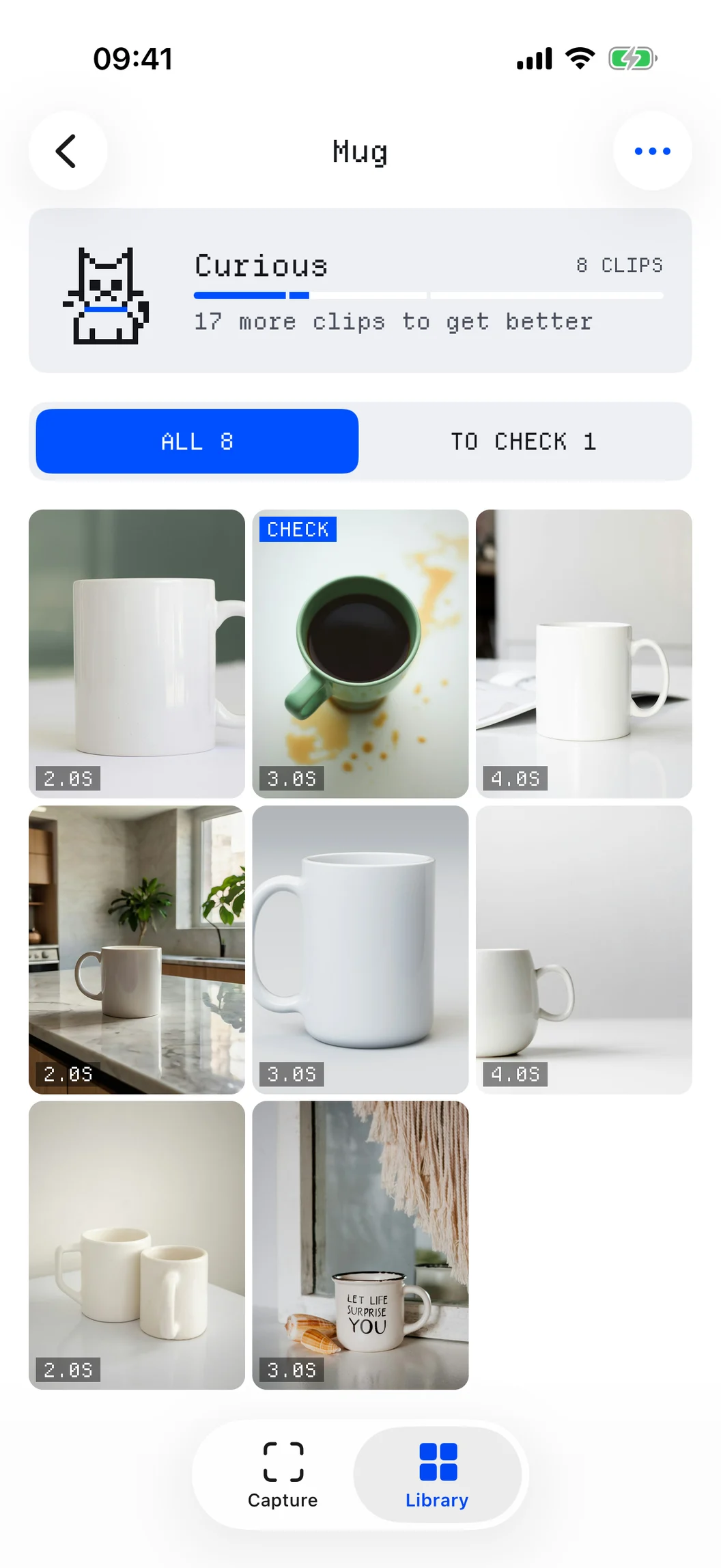
Record
Every short clip is a rep. Film it from different angles and in different light.
- 0
- 5
- 25
- 60
The cat earns a collar at 5 clips, a bell at 25 and a crown at 60.
03
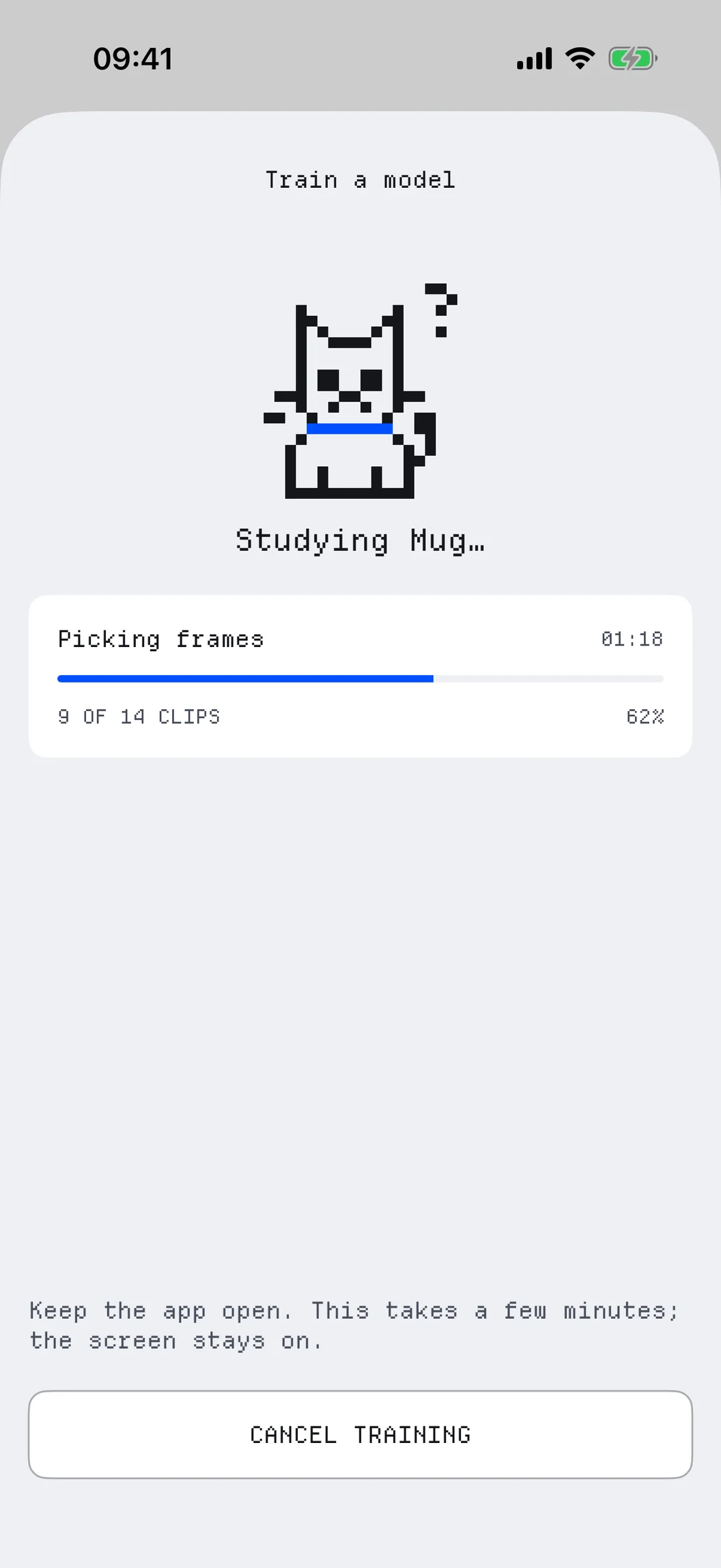
Train
With five clips each of two labels, tap Train. Create ML builds your classifier on the iPhone in a few minutes.
- 9:41LabelMug8In modelAuto · MugMug 93%00:02.4Auto capture modelAuto85%Mug3sCaptureLibrary
04
Watch
Turn on Auto. The model watches the camera and records a clip whenever it spots your label.
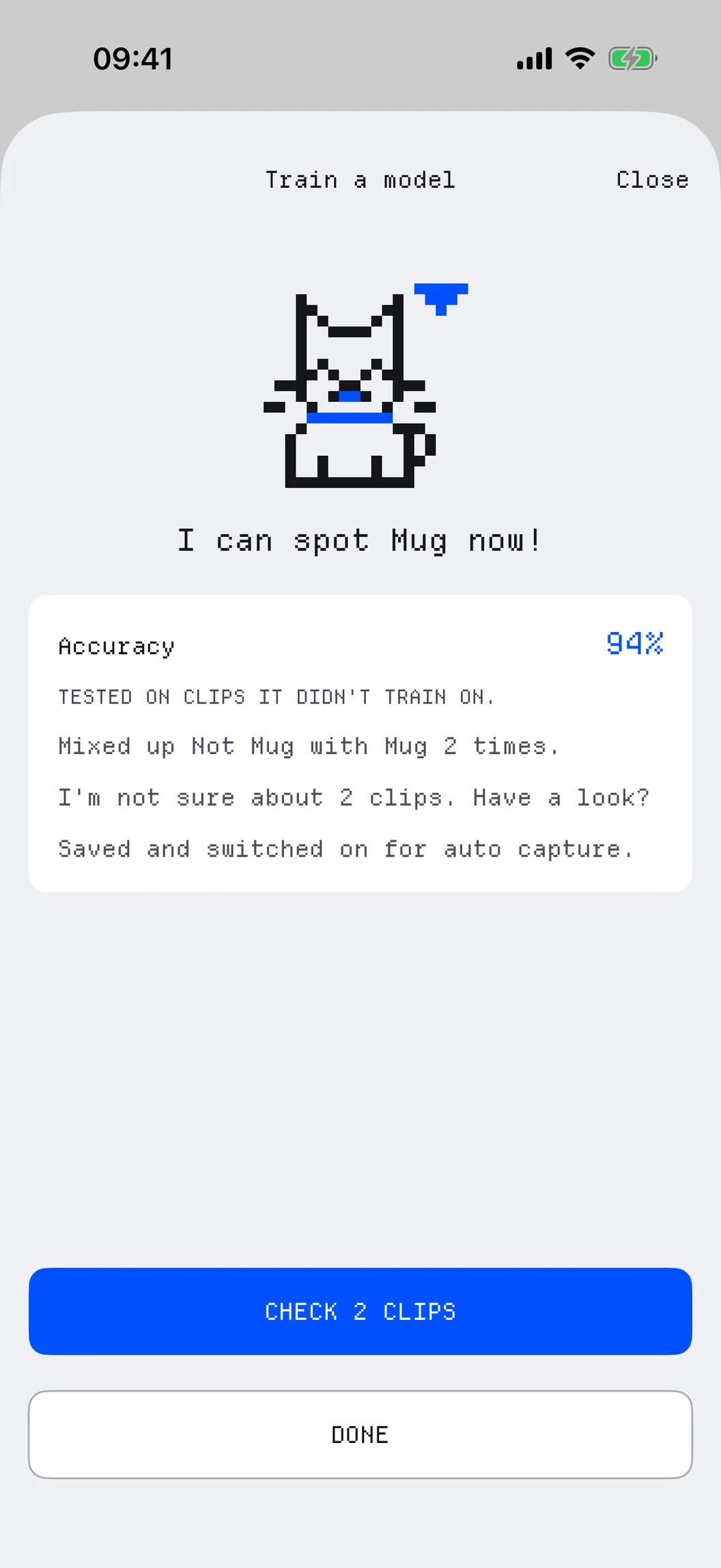
After training
It learns from its mistakes.
Every model comes with a report, and every wrong clip makes the next one better.
Honest accuracy
About one clip in five is kept aside, so the score comes from clips the model never saw.
Clips to check
The new model looks at every clip and flags the ones it disagrees with or isn't sure about.
Yes or no
Each auto clip asks “Was that Cat?”. A no files it under “Not Cat” for the next model.
Made for real life
Only the clips you asked for.
Teach it a thing, leave the iPhone watching, and come back to just those clips.
- Cat 93%
Cat
Your cat on the kitchen counter.
- Parcel 93%
Parcel
A courier at the door.
- Bird 93%
Bird
Visitors at the bird feeder.
- Dog 93%
Dog
The dog back on the sofa.
- Fox 93%
Fox
A fox passing through the garden.
- Mug 93%
Mug
Or anything you can show it.
Details
A real ML tool, in your pocket.
Certainty
Set how sure the model must be before it records: 70, 85 or 95 %.
Two seconds before
Every clip can start 2 s before you tapped record, or before the model spotted it.
Clip length
Manual clips run 3 s or until you stop. Auto clips last while the label is in view.
Name suggestions
Point at something and iOS's built-in classifier suggests what to call the label.
Several labels
One model knows several things. Auto files each clip in the folder of its label.
Core ML export
Share a trained model as a Core ML file, and every clip from the Files app.
Private by design
What it sees stays home.
Your clips and models never leave your iPhone unless you share them.
Trained on your iPhone
Create ML trains the model and Core ML runs it, both on your device. No cloud, no server.
Camera only
No microphone. The camera only runs while the Capture tab is open.
No account
No sign-up, no login. Your clips and models stay on this iPhone.
Your own image classifier
Teach it your first thing.
Five clips each of two labels is all it takes to train.